
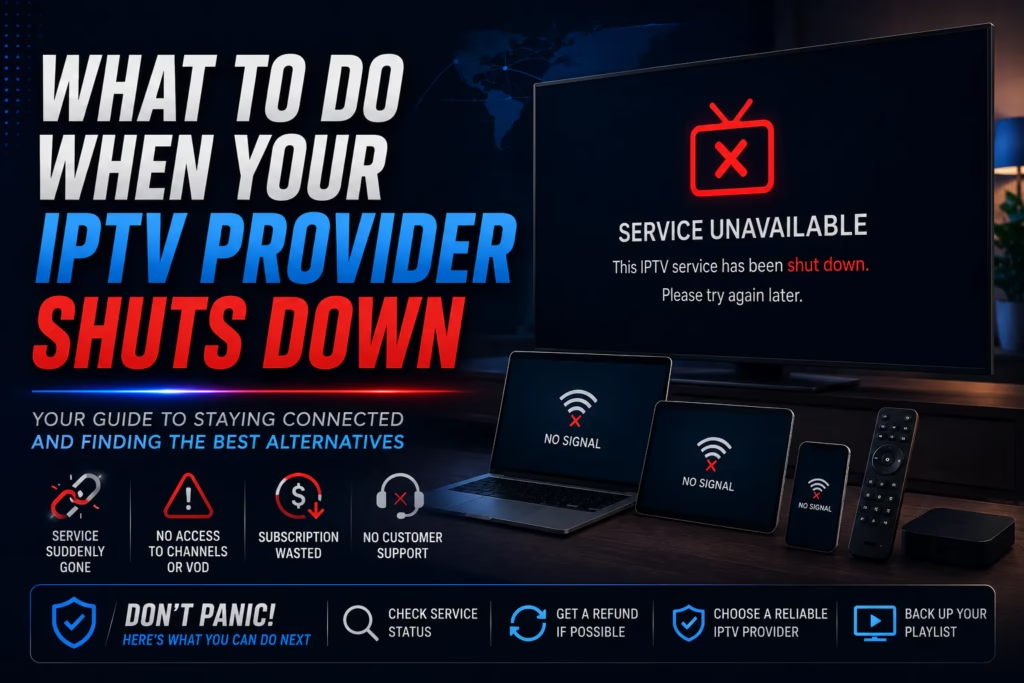
If your IPTV service stopped working and you are not sure whether it is a temporary outage or a permanent shutdown, this post walks through exactly what to do — in order. The steps below cover how to diagnose the situation, what to save before the servers go dark, how to recover your setup on a new provider, and how to get a refund if you are owed one.
Table of Contents
- Is It Temporary or Permanent?
- Save Your Setup Before It Is Too Late
- Can You Get a Refund?
- Finding a Verified Replacement
- Switching Without Losing Your Setup
- How to Avoid This Happening Again
Is It Temporary or Permanent?
Before assuming your provider has shut down permanently, run through these checks. Temporary outages happen regularly and are resolved within hours.
Check your email including spam folders. Most providers send an email when they change domain, migrate servers, or experience a known outage. Check for anything from the provider in the last 72 hours including spam. A domain migration will usually include new credentials or a new server URL.
Check the provider’s Telegram channel or social media. Many IPTV providers communicate outages and maintenance through Telegram rather than email. Search for the provider’s name on Telegram – if there is an official channel, check for recent posts. Twitter and Facebook groups associated with the provider are also worth checking.
Try a different player app. Sometimes the issue is with the player rather than the provider. If you use TiviMate, try loading the same credentials in IPTV Smarters Pro. If the stream loads in a different app, the provider is active and the issue is with your player configuration.
Check our provider status page. Our provider status page shows current known issues with reviewed providers. If your provider is listed there with a confirmed issue, you are not alone and the situation is being monitored.
Wait 48-72 hours. If there is no communication from the provider after 48-72 hours and streams are still down, the service has most likely closed. Providers that go dark without communication rarely come back.
Warning: When a popular IPTV service shuts down, copycat sites often appear quickly using the same name. Do not subscribe to any site claiming to be your old provider without independently verifying it is legitimate. Treat any site using the same name as a completely new, unreviewed provider and use a free trial before paying anything. This is exactly what happened with ITTechBasics — see our full post on the ITTechBasics situation for a detailed example.
Save Your Setup Before It Is Too Late
When a provider goes offline the servers often stay partially active for days or weeks before going completely dark. While there is still time, save as much of your setup as possible so switching to a new provider is faster.
Your M3U URL and Xtream Codes credentials. Open your IPTV player app, go to playlist settings, and copy the full M3U URL or Xtream Codes server URL, username, and password to a text file. Even if the current credentials stop working, having them stored means you have a record of what you were using.
Your TiviMate backup. If you use TiviMate, go to Settings > Backup and export your full configuration. This saves your channel favourites, groups, EPG mappings, and player settings. When you add a new provider’s credentials to TiviMate you can restore this backup and your favourites and layout will be preserved.
Your favourites list in other apps. IPTV Smarters Pro and most other players have an export function for favourites. Export it now while the app still has the data — once the credentials stop authenticating you may lose access to the stored favourites.
Can You Get a Refund?
Whether you can recover money paid to a provider that has shut down depends entirely on how you paid.
Credit or debit card. Contact your bank immediately and explain that the service you paid for is no longer being provided. Ask about a chargeback for services not received. Success rates vary by bank and how recent the payment was – act as quickly as possible once the shutdown is confirmed. Most banks have a chargeback window of 120 days from the transaction date.
PayPal. Open a dispute through PayPal’s Resolution Centre under “Item not received” or “Significantly not as described.” PayPal’s buyer protection covers digital services in many cases. File the dispute as soon as possible — PayPal has a 180-day window from the transaction date.
Cryptocurrency. Crypto payments are effectively irreversible. There is no dispute mechanism and no way to recover funds paid in Bitcoin, USDT, or any other cryptocurrency. This is one of the reasons providers that only accept crypto carry higher risk. If you paid with crypto, recovery is extremely unlikely.
Bank transfer. Similar to crypto – very difficult to reverse. Contact your bank immediately but recovery success rates are low compared to card payments.
Finding a Verified Replacement
The providers below are independently reviewed, currently active, and offer a free trial so you can verify the service works before paying.
30,000+ channels, 7-day money-back guarantee, up to 5 connections. Free trial with no card required — the lowest-risk starting point for a replacement service.
26,000+ channels, 150,000+ VOD, 4K streaming. Use code WELCOME at checkout for 50% off all plans.
40,000+ channels, 150,000+ VOD. 24-hour free trial with no card. $74.99/year — the lowest annual rate reviewed at this channel count.
18,000+ channels, 135,000+ VOD. 36-hour no-card trial and 7-day money-back guarantee. $94.99/year.
Not sure which to choose? Use our provider comparison tool to compare any two services side by side, or take the setup wizard for a personalised recommendation based on your device and viewing habits.
Switching Without Losing Your Setup
Once you have chosen a new provider and confirmed the service works on a trial, switching is straightforward.
- Subscribe to your new provider and receive your credentials by email
- Open your IPTV player and add the new playlist using the Xtream Codes or M3U URL from the welcome email
- In TiviMate, restore your backup from the previous provider — your favourites and layout will carry over to the new channel list automatically where channel names match
- Rebuild any favourites that did not carry over — most subscribers find this takes less than 10 minutes
- Delete the old provider’s credentials from your player once the new service is confirmed working
How to Avoid This Happening Again
Pay monthly or quarterly rather than annually. Annual plans offer better value but reduce your flexibility if the provider closes. A quarterly plan limits your exposure to three months of payments rather than twelve.
Use a payment method with chargeback protection. Credit card and PayPal both offer dispute mechanisms that give you a realistic chance of recovery if a provider disappears. Avoid crypto-only providers if payment protection matters to you.
Run a backup service. At $6-10 per month for a second subscription, a backup service costs less than the frustration of being without access for days while finding and testing a replacement. Keep a second service active on a rolling monthly plan.
Check our provider status page regularly. We update it when issues are confirmed. Subscribing to our email updates means you get notified when a reviewed provider reports significant problems.
Last updated May 2026.