
Table of Contents
- What Is IPTV?
- How Does IPTV Work?
- What Do You Need to Use IPTV?
- IPTV vs Cable vs Streaming Services
- Types of IPTV Content
- How Much Does IPTV Cost?
- Is IPTV Legal?
- How to Choose an IPTV Service
- Getting Started
- Frequently Asked Questions
What Is IPTV?
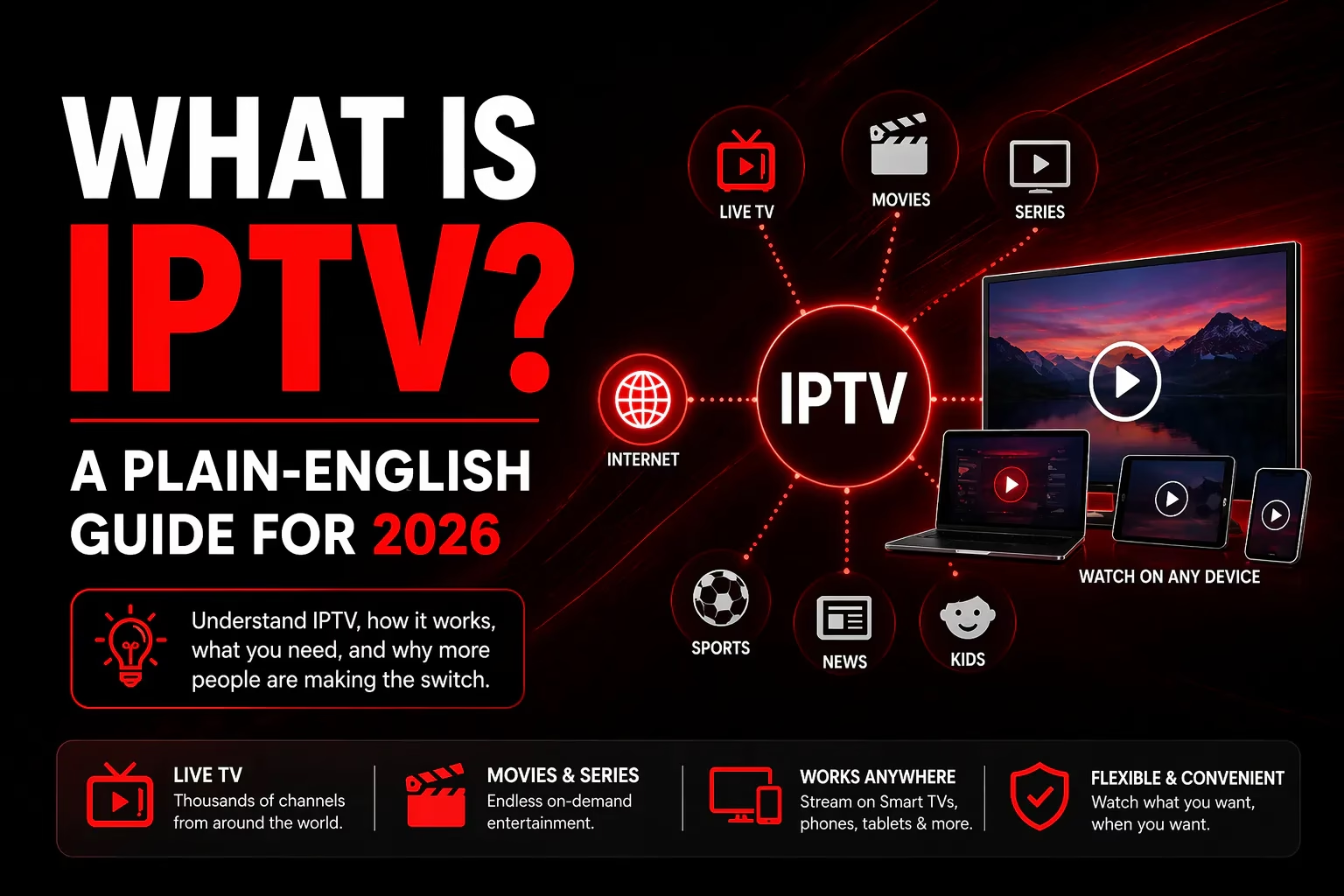
IPTV stands for Internet Protocol Television. It is a way of delivering television content over the internet instead of through a cable wire, satellite dish, or TV aerial. The same internet connection you use to browse websites and stream Netflix is used to deliver live TV channels, on-demand movies, and recorded content directly to your device.
The term covers a broad range of services. At one end you have legal, fully licensed services like YouTube TV, Hulu Live, and Sling TV. At the other end you have third-party subscription services that deliver large channel libraries at a fraction of the cost of traditional cable. This guide focuses primarily on the third-party subscription model – the type of service reviewed on this site – which is what most people mean when they search for IPTV in 2026.
How Does IPTV Work?
Traditional broadcast TV sends a signal from a transmitter to your aerial, or from a satellite to your dish. Your TV receives that signal and displays the picture. You are receiving a broadcast whether you watch it or not.
IPTV works differently. When you select a channel or press play on a movie, your device sends a request over the internet to the IPTV provider’s server. The server responds by sending the video as a stream of data packets directly to your device. You only receive the content you are actively requesting, and it travels over the same broadband connection everything else uses.
This is why IPTV is more flexible than traditional TV – because it uses the internet, it works on any internet-connected device, anywhere. Your Firestick at home, your phone on the train, a laptop in a hotel room – all can access the same subscription.
What Do You Need to Use IPTV?
Four things:
1. A broadband connection – minimum 15 Mbps for HD streaming, 25 Mbps recommended for reliable HD, 50 Mbps or more for stable 4K. A wired ethernet connection is more reliable than Wi-Fi, particularly for live sport where a dropped stream at a critical moment is frustrating.
2. A compatible device – IPTV works on Amazon Firestick and Fire TV, Android TV boxes, Smart TVs (Samsung, LG, Sony), iPhones and iPads, Android phones and tablets, Windows PC and Mac, MAG boxes, and some gaming consoles. Most subscribers use a Firestick or Android TV box connected to their main TV.
3. An IPTV player app – this is the software that receives your subscription credentials and plays the streams. The most popular options are TiviMate, IPTV Smarters Pro, and GSE Smart IPTV. Most IPTV providers are compatible with all three. See our IPTV apps guide for a full comparison.
4. An IPTV subscription – the service you pay for that provides access to the channel library. We have reviewed 20+ providers on this site. See our Best IPTV Services page for the full ranked list.
IPTV vs Cable vs Streaming Services
It helps to understand how IPTV sits relative to the alternatives most people are already familiar with:
| Cable TV | Netflix/Disney+ | IPTV Subscription | |
|---|---|---|---|
| Live TV channels | ✓ Yes | ✗ No | ✓ Yes – 10,000 to 40,000+ |
| Live sports | ✓ Yes (often extra cost) | ✗ Limited | ✓ Yes, incl. PPV |
| On-demand movies/series | ✓ Limited | ✓ Yes – large library | ✓ Yes – up to 150,000+ titles |
| Contract required | ✗ Usually 12-24 months | ✓ No contract | ✓ No contract |
| Hardware needed | ✗ Cable box (rental fee) | ✓ Any smart device | ✓ Any smart device |
| Typical monthly cost | $80–$200/month | $8–$25/month each | $6–$15/month |
| Multi-device streaming | Limited | 2-4 screens | Up to 5 simultaneous (plan dependent) |
| Works when travelling | ✗ No | Partial (geo-restrictions) | ✓ Yes (no IP lock providers) |
The key practical difference is content breadth combined with cost. A typical IPTV subscription delivers more live channels, more VOD content, and live sports including PPV events – for less than the cost of a single Netflix subscription. The trade-off is that the service quality varies between providers, and unlike Netflix there is no single established brand with a reputation to protect.
Types of IPTV Content
Live TV – channels that broadcast in real time, exactly as you would see on cable or satellite. News, sport, entertainment, kids’ channels, international and regional channels. Most IPTV subscriptions include tens of thousands of live channels from dozens of countries.
Video on Demand (VOD) – a library of movies, TV series, and documentaries you can watch at any time. Providers typically offer between 20,000 and 150,000+ titles updated regularly. Works like Netflix – browse, select, watch.
Catch-Up TV – previously aired broadcasts available to watch after the fact, typically for 7 days. Not all providers include this and not all channels support it, but it is a useful feature when available.
PPV events – pay-per-view sports events (boxing, MMA, wrestling) are included within the standard subscription at most providers we have reviewed, without any additional per-event charge. This is a significant cost saving compared to paying per event through traditional channels.
EPG (Electronic Programme Guide) – the on-screen TV guide showing what is on now and upcoming. Quality varies by provider – coverage of 80-98% of channels is typical for well-established services.
How Much Does IPTV Cost?
Third-party IPTV subscriptions typically cost between $6 and $20 per month depending on the provider, plan duration, and number of simultaneous connections. Annual plans are significantly cheaper per month than monthly plans – most subscribers pay between $75 and $120 for a full year on a single connection.
The table below shows the range across providers we have reviewed:
| Plan Type | Typical Range | Example |
|---|---|---|
| Monthly (1 device) | $11–$20/month | StreamHD IPTV from $11/mo |
| Annual (1 device) | $70–$120/year | RealmIPTV $74.99/year |
| Annual (5 devices) | $140–$175/year | Tivi-Live $140/year |
| Lifetime (1 device) | $350–$400 one-time | StreamHD IPTV $350 lifetime |
Most providers offer a free trial (typically 24-36 hours) or a low-cost short-term trial before you commit to a longer plan. Always test the service before purchasing – see our IPTV Free Trials page for the full list.
Is IPTV Legal?
IPTV as a technology is completely legal. The same technology is used by Netflix, YouTube TV, Hulu, and every other streaming service. What matters is the content and whether the provider has the rights to deliver it.
Licensed, fully legal IPTV services include YouTube TV, Sling TV, Hulu Live, FuboTV, and others. These have broadcasting rights for the content they carry and operate openly in licensed markets.
Third-party IPTV subscription services – the type reviewed on this site – operate in a legal grey area in most countries. The services themselves deliver content over the internet, but the licensing status of that content varies and is often unclear. Laws differ by country and change over time.
If you subscribe to a third-party IPTV service, you are responsible for understanding the relevant regulations in your country. Many subscribers use a VPN for added privacy when streaming. See our VPN guide for more on this.
How to Choose an IPTV Service
There are hundreds of providers in this category, and quality varies enormously. These are the factors that actually matter:
Free trial or short-term trial available. Any provider worth considering lets you test the service before paying. Specifically test the channels and content types you actually watch during the trial – not just that the app opens and something plays.
Refund policy. Providers with a 7-day money-back guarantee give you more time to properly evaluate the service after purchasing. A 3-day window is tight. No refund after activation – as with Epic IPTV – means the trial is your only safety net.
Connection count. How many devices can stream simultaneously? Single-connection services work fine for solo viewers but are a poor fit for households. Check this before purchasing, not after.
Channel count vs channel quality. Headline channel counts (40,000+, 100,000+) are marketing figures and often include duplicates, low-quality feeds, and inactive streams. The meaningful test is whether your specific channels – particularly your sports, news, and regional channels – are available and stream reliably at peak times.
Established track record. Newer providers carry more operational risk. A service that has been running for 5+ years has demonstrated some staying power. StreamHD IPTV (founded 2012) and IPTVtune (operating since 2020) have longer track records than most.
Support responsiveness. If something goes wrong, how quickly can you get help? WhatsApp live chat is faster than a ticketing system. Test support during your trial by asking a question – response time and quality tell you a lot.
Getting Started
The fastest route from reading this to watching IPTV:
- Pick a device. If you have a Firestick, Smart TV, or Android TV box you are already set. If not, an Amazon Firestick 4K Max is the simplest starting point.
- Choose a provider and start a free trial. Our free trials page lists every provider offering a no-card trial. Start there rather than paying for anything upfront.
- Install an IPTV player. TiviMate is our recommended app for most users. IPTV Smarters Pro is a good free alternative.
- Enter your credentials. Your provider will email login details (username, password, and a server URL, or M3U link) after signing up. Enter these in the IPTV player app.
- Test properly before purchasing. Use your trial time to test your key channels at peak hours, live sports streams, and VOD performance before committing to a paid plan.
Compare All Providers
View Free Trials
Frequently Asked Questions
What internet speed do I need for IPTV?
Minimum 15 Mbps for reliable HD streaming. 25 Mbps is recommended as a working baseline. 50 Mbps or more for stable 4K. If multiple people are streaming simultaneously, multiply accordingly. A wired ethernet connection is more reliable than Wi-Fi for live content.
What is an M3U file?
An M3U file or M3U URL is a playlist format that contains the list of channels and streams included in your IPTV subscription. Your IPTV provider will give you either an M3U URL or Xtream Codes login (username, password, server URL) when you subscribe. You enter these into your IPTV player app to load your channels.
What is Xtream Codes?
Xtream Codes is a login format used by most IPTV providers – a username, password, and server URL that authenticates your subscription and loads your channel list. It is more secure than an M3U link and supported by all major IPTV player apps.
What is EPG?
EPG stands for Electronic Programme Guide – the on-screen TV guide that shows what is currently airing and what is coming up on each channel. Think of it as the IPTV equivalent of a TV listings page. Not all channels have EPG data, and coverage varies by provider
Can I use IPTV on multiple TVs?
Yes, if your subscription includes multiple simultaneous connections. Most providers offer plans for 1 to 5 devices. Single-connection plans allow only one device to stream at a time. Check the connection count for your chosen plan before purchasing if this matters to you.
Do I need a set-top box for IPTV?
No – IPTV works on devices you likely already own including Smart TVs, Firestick, Android phones, tablets, and computers. A dedicated streaming device like a Firestick or Android TV box gives the best experience on a TV, but it is not mandatory if you already have a Smart TV.
What is the difference between IPTV and streaming services like Netflix?
Netflix and similar services are on-demand only – there are no live channels and no live sports. IPTV provides both live TV channels (including live sports and PPV events) and a large on-demand library. IPTV is closer to a replacement for cable TV; Netflix is a supplement to it.
What is catch-up TV?
Catch-up TV lets you watch content that has already aired, typically from the previous 7 days, without having recorded it. It works like an on-demand replay of broadcast channels. Not all IPTV providers include catch-up and not all channels support it – check before subscribing if this is important to you.
Last updated May 2026. For a full list of reviewed and tested IPTV services, see our Best IPTV Services page.