
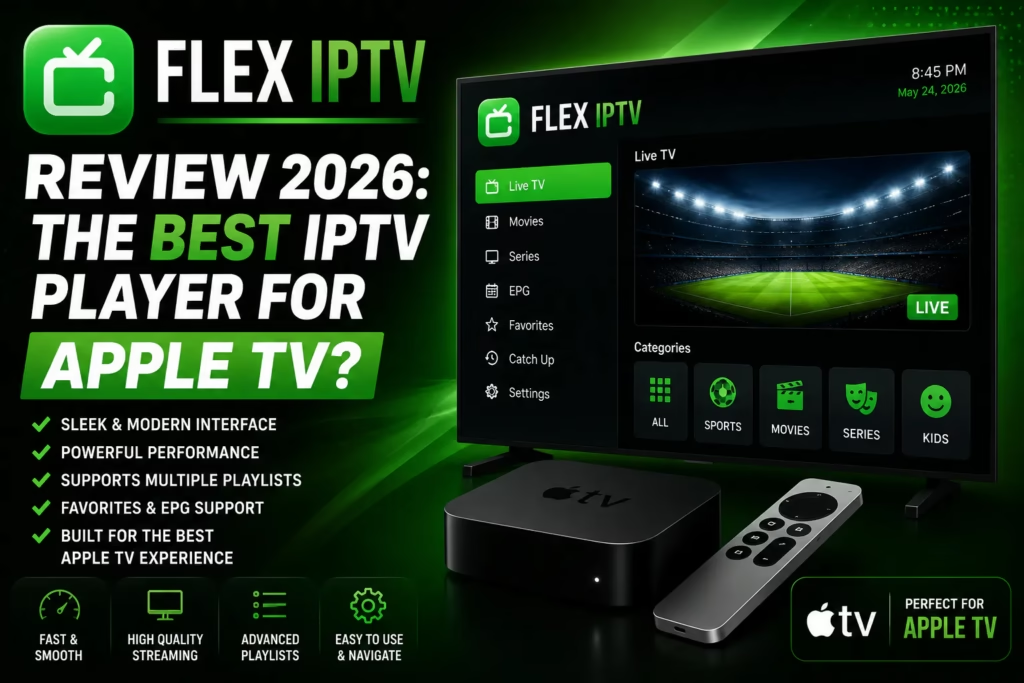
Flex IPTV has been available since 2016 and remains one of the most consistently recommended IPTV players for Apple TV and iOS. It is not the flashiest option and the free version has notable limitations, but the paid version delivers a clean, reliable experience with recording capability that most competing iOS players do not offer. This review covers what it does, what the free versus paid difference means in practice, known limitations, and how it compares to GSE Smart IPTV and IPTV Smarters Pro on Apple devices.
Important: Flex IPTV is a player app only — it does not provide channels or content. You need an active IPTV subscription with M3U URL or Xtream Codes credentials to use it. If you do not have one yet, see our free trials page.
Table of Contents
- What Is Flex IPTV?
- Key Features
- Free vs Paid
- Platform Availability
- How to Set Up Flex IPTV
- Known Limitations
- Flex IPTV vs Alternatives
- Verdict
- FAQ
What Is Flex IPTV?
Flex IPTV is a media player developed by Artur Tagirov that has been continuously updated since 2016. It runs on iPhone, iPad, Apple TV, and Mac — the full Apple ecosystem. It supports M3U playlists and Xtream Codes API credentials. It does not run on Android, Firestick, or any non-Apple platform.
Its longevity is one of its strongest selling points. Many IPTV players appear and disappear rapidly. Flex IPTV has been in active development for nearly a decade with regular updates addressing bugs and adding features. The most recent update improved logo loading performance, updated the manual logo upload manager, and added a random channel switching option. For Apple device users who value a stable, maintained player, that track record matters.
Key Features
Recording
Flex IPTV supports recording live streams to local storage. Recording live streams is included alongside XMLTV EPG support, auto-reconnect for unstable sources, and support for all popular stream formats. Recording is included in the paid Pro version — it is one of the key reasons to upgrade from free. On iOS this is genuinely rare, with most competing players not offering it at all.
EPG with Timeline View
XMLTV EPG is supported. The Pro version includes an extended EPG timeline view showing upcoming programmes. The EPG displays an overlay within the player showing what is currently on and what is coming up without leaving the stream.
Auto-Reconnect
Streams that drop due to network instability reconnect automatically without requiring manual intervention. Useful for less stable connections or providers with occasional server hiccups.
Multiple Playlists
Multiple M3U playlists and Xtream Codes accounts can be added and switched between. Useful for running a primary and a backup IPTV subscription on the same device.
Parental Controls
PIN-based and Touch ID parental controls are available to restrict access to specific channels or categories.
Video Equalizer
Brightness, contrast, and saturation adjustments are available within the player. A minor feature but useful for Apple TV viewing where the TV’s own colour settings may not be accessible from within the app.
Fast Channel Switching
The Pro version unlocks faster channel switching and the option to switch channels using buttons or gestures rather than navigating back to the channel list.
Free vs Paid
| Feature | Free | Pro ($4.99 per platform) |
|---|---|---|
| Live TV playback | Yes | Yes |
| M3U and Xtream Codes | Yes | Yes |
| Ads | Intrusive video ads | Removed |
| Recording | No | Yes |
| EPG timeline view | Basic | Full timeline |
| Fast channel switching | No | Yes |
| Auto-updating playlists | No | Yes |
| Parental controls | No | Yes — PIN and Touch ID |
The free version is functional enough to evaluate the app but the video ads are described by multiple users as intrusive enough to make it impractical for regular viewing. The Pro upgrade is a one-time purchase at $4.99 per platform. iOS and tvOS are separate purchases — you pay $4.99 for each platform independently. If you want Flex IPTV on both iPhone and Apple TV that costs $9.99 total.
Separate platform purchases: Unlike TiviMate Companion which covers all devices on a single subscription, Flex IPTV Pro requires a separate $4.99 purchase for each Apple platform. iPhone/iPad and Apple TV are separate. Check current App Store pricing as this may vary by region.
Platform Availability
- iPhone and iPad (iOS) — App Store, free with Pro upgrade available
- Apple TV (tvOS) — App Store, free with separate Pro upgrade available
- Mac (macOS) — Mac App Store
Flex IPTV is exclusively an Apple ecosystem app. It is not available on Android, Firestick, Samsung Smart TVs, LG Smart TVs, or any non-Apple platform. For non-Apple devices see our full IPTV apps guide.
How to Set Up Flex IPTV
iPhone, iPad, and Apple TV:
- Open the App Store on your device and search for Flex IPTV
- Download the free version and open the app
- Tap the + button or navigate to Playlists
- Select Remote Playlist for an M3U URL or Xtream Codes API for username and password credentials
- For M3U: enter a name and paste the full URL from your provider welcome email
- For Xtream Codes: enter the server URL, username, and password
- Tap save — Flex IPTV loads your channel list within 30-60 seconds
On Apple TV, use your iPhone as a keyboard via the Remote app or Control Centre for faster credential entry rather than using the Apple TV remote.
Known Limitations
Intrusive ads in the free version. Multiple user reviews specifically mention intrusive video ads in the free version. Unlike some apps where free-tier ads are banners or infrequent, Flex IPTV’s free ads are described as appearing frequently enough to make regular viewing impractical without upgrading. The Pro version removes them entirely.
Favourites resetting. A recurring user complaint is that the favourites list periodically resets and channels need to be re-added manually. This is noted across multiple platforms including iPhone, iPad, and Apple TV. An acknowledged bug that has persisted across versions.
Occasional Apple TV crashes. Some users report crashes specifically on Apple TV rather than iPhone or iPad. Generally resolved after app updates but worth noting for Apple TV primary users.
No background audio. Like GSE Smart IPTV, Flex IPTV stops playing when you switch to another app or lock the screen. Streams do not continue in the background.
Per-platform cost. Paying $4.99 separately for iOS and tvOS is less economical than apps with a single purchase covering all platforms.
Apple only. If you watch across Apple and non-Apple devices, you will need a separate player for the non-Apple devices.
Flex IPTV vs Alternatives
| Flex IPTV | GSE Smart IPTV | IPTV Smarters Pro | TiviMate | |
|---|---|---|---|---|
| iPhone / iPad | Yes | Yes — best iOS option | Yes | No |
| Apple TV | Yes | Yes | Limited | Yes |
| Recording | Yes — Pro | No | No | Yes — premium |
| Background audio | No | No | Yes | Yes |
| Android / Firestick | No | Android only | Yes | Android TV / Firestick |
| EPG quality | Good — timeline view | Auto-matching | Basic | Best in class |
| Cost | Free / $4.99 per platform | Free / ~£4.99 one-time | Free | Free / ~$5-12/yr |
| Best for | Apple TV users wanting recording | iPhone and iPad primary | Multi-platform, background audio | Firestick, Android TV, Apple TV |
The clearest comparison is against GSE Smart IPTV. For iPhone and iPad users, GSE has better automatic EPG matching and iCloud sync. For Apple TV users who specifically want recording capability, Flex IPTV is the better choice since GSE does not support recording. Both share the background audio limitation. For users who need background audio on iOS, IPTV Smarters Pro handles this better than either.
Verdict
Flex IPTV is a solid, well-maintained Apple-only IPTV player with one standout advantage over most iOS alternatives — recording. If you watch primarily on Apple TV and want to record live content for later viewing, Flex IPTV Pro is currently the best available option on that platform. The long development track record since 2016 is reassuring compared to newer apps with uncertain longevity.
The per-platform pricing model and the favourites reset bug are the main practical frustrations. At $9.99 for both iPhone and Apple TV it costs more than alternatives with comparable or better feature sets. For iPhone and iPad primary users without Apple TV, GSE Smart IPTV has better EPG matching and iCloud sync at a similar price point.
Apple TV users who want recording capability. iPhone and iPad users in the Apple ecosystem who do not need Android or Firestick support. Users who value a long-established, actively maintained app.
Android or Firestick users — not available on those platforms. Users who need background audio playback. Those wanting a single purchase covering all devices. Anyone who relies heavily on favourites given the reset bug.
FAQ
Is Flex IPTV free?
The base version is free but has intrusive video ads that make regular viewing impractical. The Pro version costs $4.99 per platform as a one-time purchase — iOS and tvOS are separate purchases. Check current App Store pricing as this may vary by region.
Does Flex IPTV work on Android or Firestick?
No. Flex IPTV is exclusively available on Apple platforms — iPhone, iPad, Apple TV, and Mac. For Android and Firestick, see our TiviMate review or IPTV Smarters Pro review.
Can Flex IPTV record live TV?
Yes — recording is available in the Pro version. This is one of Flex IPTV’s key advantages over most iOS alternatives including GSE Smart IPTV which does not support recording.
Flex IPTV vs GSE Smart IPTV — which is better?
For iPhone and iPad primary use, GSE Smart IPTV has better automatic EPG matching and iCloud sync. For Apple TV users who want recording, Flex IPTV Pro is the stronger choice. Both share the background audio limitation. See our GSE Smart IPTV review for a full comparison.
Why do my Flex IPTV favourites keep resetting?
This is a known bug that has been reported across multiple app versions and platforms. It affects iPhone, iPad, and Apple TV. There is no confirmed permanent fix — rebuilding the favourites list after a reset is currently the only workaround. The developer is aware of the issue.
iPhone and iPad Setup Guide Compare All IPTV Apps
Last updated May 2026. App Store pricing varies by region — verify current pricing before purchasing.