
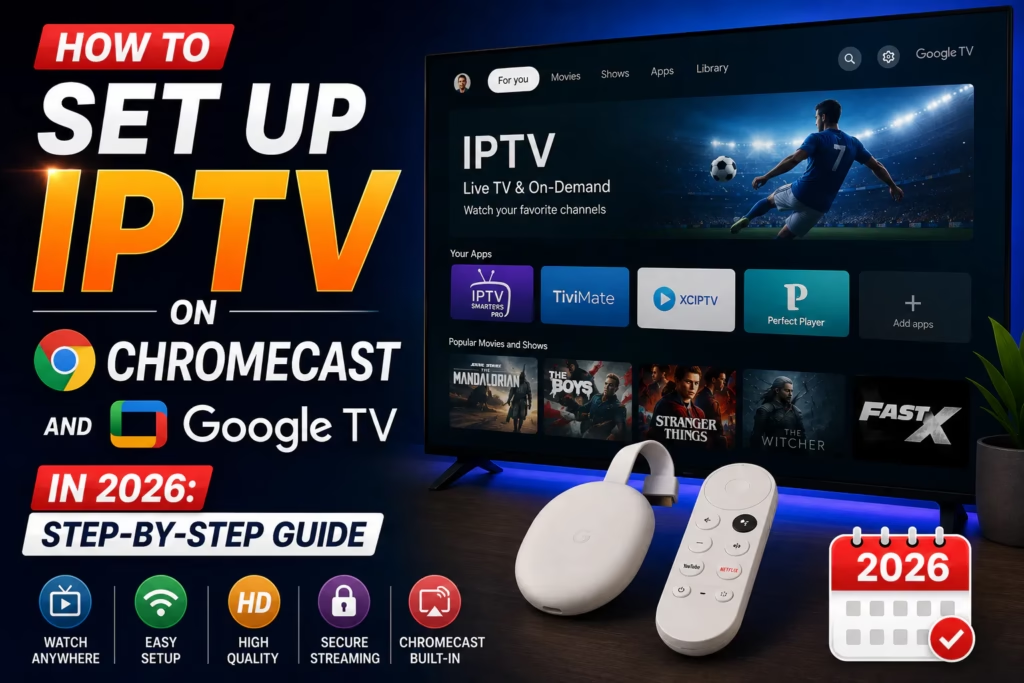
Chromecast with Google TV and the Google TV Streamer 4K both run Google TV – a version of Android TV with a slightly different interface. Both support Google Play Store natively which means installing IPTV player apps is straightforward. This guide covers both the native app method and the casting method from a phone.
Two different devices, one guide: The Chromecast with Google TV (the small dongle, £30-£40) and the Google TV Streamer 4K (the set-top box with ethernet, £90-£100) both run Google TV and use the same setup methods. The Streamer has a built-in ethernet port which gives it a streaming stability advantage – see the device notes section below.
Table of Contents
- Method 1: Install IPTV App via Google Play (Recommended)
- Method 2: Cast from Phone
- Method 3: Send to TV via Google Home
- Entering Your Credentials
- Device-Specific Notes
- Troubleshooting
- FAQ
Method 1: Install IPTV App via Google Play (Recommended)
Google TV devices support Google Play Store natively. Installing IPTV player apps directly on the device gives the best performance and does not require your phone to be on and nearby.
Recommended apps for Google TV:
- On your Google TV home screen, navigate to the Apps section or press the Google Assistant button and say “Open Google Play Store”
- Search for your chosen player app:
- IPTV Smarters Pro – free, most widely used, search for it directly
- TiviMate – best EPG and interface, ~$5/year premium
- OTT Navigator – free alternative with good customisation
- Install the app and open it
- Enter your IPTV credentials – see the credentials section below
Google TV vs Android TV interface: Google TV presents a curated “For You” home screen rather than the traditional Android TV launcher. To find installed apps, scroll to the Apps tab at the top of the home screen. You can also move frequently used apps to the top row for quick access by highlighting the app and pressing and holding the select button.
Setting up TiviMate on Google TV:
- Search for and install TiviMate from Google Play
- Also install TiviMate Companion for premium features
- Open TiviMate and tap Add Playlist
- Select Xtream Codes or M3U Playlist
- Enter your credentials and tap Next
- Wait for channels to load, name the playlist and tap Finish
- Go to Settings > EPG > Update EPG to load the programme guide
Setting up IPTV Smarters Pro on Google TV:
- Install IPTV Smarters Pro from Google Play
- Open the app and tap Add New User
- Select your login method (Xtream Codes or M3U URL)
- Enter credentials and tap Add User
Method 2: Cast from Phone
If you prefer not to install an app directly on the Google TV device, you can cast IPTV from your phone. This requires your phone to stay on and connected to the same Wi-Fi network during viewing.
Casting from Android:
- Make sure your phone and Google TV are on the same Wi-Fi network
- Open your IPTV app on the phone (IPTV Smarters, GSE Smart IPTV, etc.)
- Start playing a channel
- Tap the Cast icon (rectangle with Wi-Fi symbol) in the player controls
- Select your Google TV device from the list
- The stream transfers to the TV – you can now lock your phone screen
Casting from iPhone:
- Swipe down from the top right to open Control Centre
- Tap Screen Mirror
- Select your Google TV device
- Open your IPTV app and play a channel – it mirrors to the TV
Casting vs native app: Casting works but uses your phone battery continuously and may buffer if the phone’s Wi-Fi connection is weaker than the TV’s. Installing the app directly on the Google TV device and entering credentials once is the better long-term solution.
Method 3: Send to TV via Google Home
Some IPTV apps support the Google Home “Send to TV” feature directly from the app. This is different from screen mirroring – the stream goes directly to the TV rather than routing through the phone.
- Open the Google Home app on your phone
- Make sure your Google TV device appears in the Home app
- In a compatible IPTV app, look for the Cast or Send to TV button
- Select your Google TV device
- The stream plays directly on the TV independently of your phone
Not all IPTV apps support this – IPTV Smarters Pro has Cast support built in. If your app does not have a Cast button, use Method 1 or 2.
Entering Your Credentials
Entering credentials using a TV remote is slow. Three options to make it faster:
- Google TV remote app: Download the Google TV app on your Android or iPhone – it includes a keyboard feature that lets you type on your phone and the text appears on the TV. Much faster than remote control input.
- Bluetooth keyboard: Any Bluetooth keyboard pairs with Google TV. Connect it via Settings > Remotes & Accessories > Add Accessory.
- Phone keyboard via Android: When a text field is active on Google TV, Android phones on the same network sometimes show a notification offering to use the phone keyboard – accept this if it appears.
Device-Specific Notes
Chromecast with Google TV (4K or HD)
The Chromecast dongle runs Google TV and supports native app installation. It does not have an ethernet port – a USB-C to ethernet adapter works but requires a USB-C hub with power pass-through since the Chromecast is powered via USB-C. For most subscribers Wi-Fi is adequate. The 4K model handles 4K HDR streams; the HD model caps at 1080p.
Google TV Streamer 4K
The more capable device at around £90-£100. Has a built-in 100Mbps ethernet port – use a wired connection for the most stable streams. More RAM and storage than the Chromecast dongle means faster channel loading on large libraries. Also supports Matter and Thread for smart home integration. The clear recommendation if you want a permanent streaming solution rather than a dongle.
Troubleshooting
App not available in Google Play
Most IPTV player apps are available in Google Play on Google TV. If an app does not appear, try searching with slightly different terms – “IPTV Smarters” instead of “IPTV Smarters Pro” for example. If the app genuinely does not have a Google TV version, you can sideload it: go to Settings > Apps > Security & Restrictions and enable Unknown Sources, then use a browser on the TV to download the APK directly.
Casting drops connection or buffers
Casting performance depends on both devices being on a strong Wi-Fi signal. Move the router closer or use a Wi-Fi mesh system to improve signal. If casting consistently underperforms, install the IPTV app directly on the Google TV device instead.
Remote control is slow or unresponsive in IPTV apps
Some IPTV apps are better optimised for Google TV than others. TiviMate and OTT Navigator have the best remote control navigation. If an app feels unresponsive, try a different player. Using the Google TV remote app on your phone also bypasses any Bluetooth latency issues with the physical remote.
Buffering during peak hours
The Google TV Streamer’s built-in ethernet is the fastest fix – a wired connection eliminates Wi-Fi variability entirely. For the Chromecast dongle, a USB-C ethernet adapter is the equivalent fix. For peak-hour buffering with full broadband speed, see our buffering guide for ISP throttling diagnosis.
FAQ
Can I use TiviMate on Chromecast with Google TV?
Yes – TiviMate is available on Google TV via the Google Play Store. It is one of the advantages of Google TV over older Chromecast models (pre-Google TV) which required casting only.
Does the original Chromecast (without Google TV) support IPTV apps?
No. The original Chromecast (1st, 2nd, 3rd generation) without Google TV can only cast content from a phone or computer – it cannot run apps independently. You need the Chromecast with Google TV (4K or HD) or the Google TV Streamer to install IPTV apps directly on the device.
Is the Google TV Streamer worth it over Chromecast with Google TV?
For IPTV specifically, yes – the built-in ethernet port alone justifies the price difference for regular streaming. The extra processing power and RAM also help with large channel libraries. If you are mainly casting occasionally rather than using it as a primary TV device, the cheaper Chromecast dongle is adequate.
What is the best IPTV app for Google TV?
TiviMate for the best overall experience – the EPG grid and channel management are the best available on any Google TV app. IPTV Smarters Pro as the free alternative. OTT Navigator if you want free with more customisation options than Smarters.
Find a Provider Firestick Setup Guide
Last updated May 2026. Steps accurate for Google TV OS 2024-2026. Interface may vary between Chromecast with Google TV and Google TV Streamer models.