
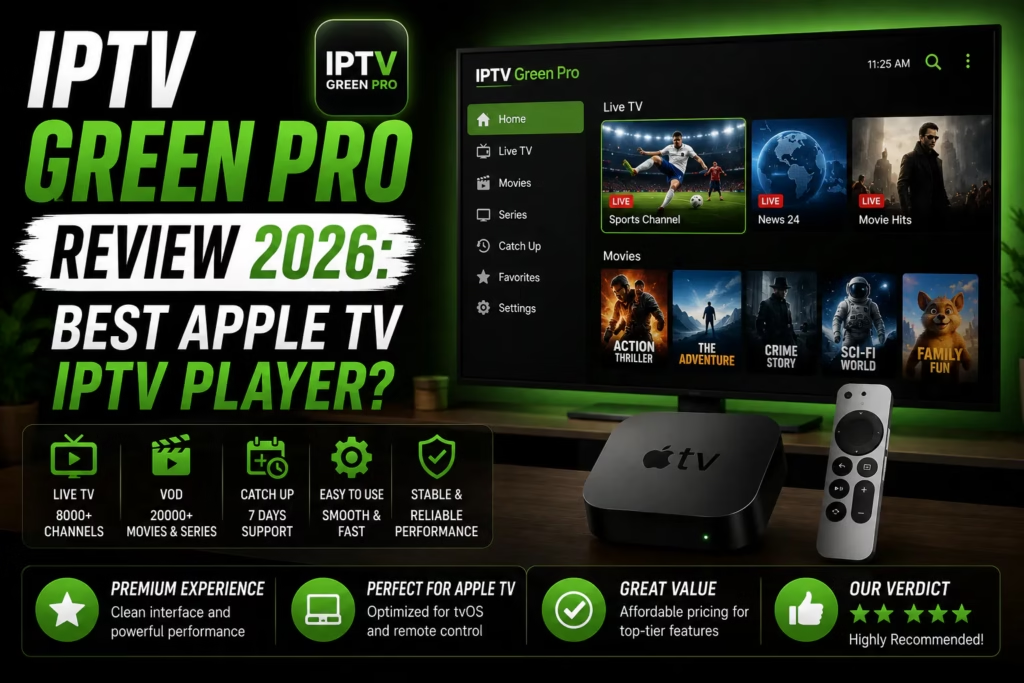
IPTV Green Pro has been gaining significant attention in May 2026 following its version 2.02 update. It is an IPTV player for iPhone, iPad, and Apple TV developed by Jewelsapps S.L. and available on the App Store. With split-screen watching, iCloud sync across Apple devices, Xtream Codes support, and a built-in EPG, it is one of the more fully featured iOS IPTV players available. This review covers what it does, how it compares to GSE Smart IPTV and Flex IPTV, and who it is the right choice for.
Important: IPTV Green Pro is a player app only — it does not provide channels or content. You need an active IPTV subscription with M3U URL or Xtream Codes credentials to use it. If you do not have one yet, see our free trials page.
Table of Contents
- What Is IPTV Green Pro?
- Key Features
- Platform Availability
- How to Set Up IPTV Green Pro
- IPTV Green Pro vs Alternatives
- Verdict
- FAQ
What Is IPTV Green Pro?
IPTV Green Pro is an Apple-only IPTV player developed by Jewelsapps S.L. It runs on iPhone, iPad, and Apple TV and supports M3U, M3U8, Xtream Codes API, and JSON playlist formats. The current version is 2.02, updated May 4 2026.
It positions itself as a comprehensive Apple ecosystem IPTV player – the iCloud sync between iPhone, iPad, and Apple TV means a playlist set up on one device is immediately available on all others without re-entering credentials. This cross-device consistency is the app’s primary selling point alongside its split-screen multi-channel viewing capability which is genuinely rare on iOS.
The app is not yet widely reviewed on English-language sites despite a surge in search interest following the May 2026 update, making early coverage more valuable for capturing that traffic.
Key Features
Split-Screen Multi-Channel Viewing
IPTV Green Pro’s standout feature is watching up to four channels simultaneously in split-screen mode. Each panel is independently controllable – switch audio between panels with a tap, swap channels between positions, and use Picture in Picture to keep one channel active while browsing others. This is a feature no other reviewed iOS IPTV player offers. GSE Smart IPTV, Flex IPTV, and IPTV Smarters Pro all show one channel at a time. For sports viewers wanting to monitor multiple events simultaneously it is a genuine differentiator.
iCloud Sync
Playlists, favourites, and settings sync automatically across iPhone, iPad, and Apple TV via iCloud. Set up your provider credentials on one device and they are immediately available on all others signed into the same Apple ID. GSE Smart IPTV also offers iCloud sync – this is now becoming a standard expectation for Apple-focused IPTV players rather than a differentiator.
Xtream Codes and Full Format Support
Xtream Codes API login is supported alongside M3U, M3U8, and JSON formats. Xtream Codes is the credential format most reviewed IPTV providers use as their primary login method. Having full Xtream Codes support means subscribers do not need to request an M3U URL separately – enter the server URL, username, and password directly.
EPG Electronic Programme Guide
Compatible with XMLTV and Xtream Codes EPG. The programme guide loads automatically where your provider includes EPG data in the playlist. Current and upcoming programme information displays within the player without leaving the stream.
Video Between Devices
Import videos on iPhone or iPad and they appear instantly on Apple TV via the app. No cables or manual transfers required – useful for subscribers who also maintain a local video library alongside their IPTV subscription.
Picture in Picture
Full iOS Picture in Picture support – minimise the player to a floating window and continue watching while using other apps. Unlike GSE Smart IPTV and Flex IPTV which stop playback when you leave the app, PiP allows the stream to continue in the background in a floating overlay.
External Player Support
Streams can be handed to VLC or other external players for formats the built-in player does not handle well.
Platform Availability
- iPhone and iPad (iOS) — App Store, free to download
- Apple TV (tvOS) — App Store, same download
- Mac (macOS) — available via Mac App Store
- Android — available on Google Play (version 2.02, updated May 2026)
IPTV Green Pro is not available on Firestick, Windows, Samsung Smart TV, or LG Smart TV natively. For those platforms see our full IPTV apps guide.
How to Set Up IPTV Green Pro
iPhone, iPad, and Apple TV:
- Search for IPTV Green Pro in the App Store and install it
- Open the app and tap the + or Add Playlist option
- Select Xtream Codes if your provider gave you a username and password, or M3U URL if you have a playlist link
- For Xtream Codes: enter your server URL, username, and password from your provider welcome email
- For M3U: paste the full URL
- Tap save — your channel list loads within 30-60 seconds
- iCloud sync will push the playlist to your other Apple devices automatically
On Apple TV, sign into the same Apple ID to access playlists synced from your iPhone or iPad without re-entering credentials.
IPTV Green Pro vs Alternatives
| IPTV Green Pro | GSE Smart IPTV | Flex IPTV | IPTV Smarters Pro | |
|---|---|---|---|---|
| iPhone / iPad | Yes | Yes | Yes | Yes |
| Apple TV | Yes | Yes | Yes | Limited |
| Split-screen | Yes — up to 4 channels | No | No | No |
| Picture in Picture | Yes | No | Limited | Yes |
| iCloud sync | Yes | Yes | No | No |
| Xtream Codes | Yes | Yes | Yes | Yes |
| Recording | No | No | Yes — Pro version | No |
| Android support | Yes | Yes | No | Yes |
| Firestick | No | No | No | Yes |
| Cost | Free / paid upgrade | Free / ~£4.99 Pro | Free / $4.99 per platform | Free |
| Best for | Multi-channel viewing, Apple ecosystem | iPhone and iPad, EPG matching | Apple TV recording | Multi-platform, Firestick |
IPTV Green Pro’s split-screen capability and Picture in Picture support are genuine advantages over every other reviewed iOS player. These features make it particularly strong for sports viewers who want to monitor multiple channels simultaneously. GSE Smart IPTV has better automatic EPG matching. Flex IPTV is the only iOS option with recording. IPTV Smarters Pro covers Firestick which none of the Apple-focused players do.
Verdict
IPTV Green Pro is a strong addition to the Apple IPTV player landscape, particularly for sports viewers. The split-screen multi-channel viewing is a genuinely unique feature among iOS IPTV players and the iCloud sync and Picture in Picture support round out a well-featured package. The May 2026 update clearly improved the app significantly given the surge in user interest following its release.
The main unknown at this stage is long-term stability and developer support. IPTV Green Pro does not yet have the track record of GSE Smart IPTV or Flex IPTV. The app has been available since 2021 but the current attention follows a relatively recent update – how well it is maintained going forward is something only time will confirm.
Sports viewers who want to watch multiple channels simultaneously on iPhone, iPad, or Apple TV. Apple ecosystem users who want iCloud sync and Picture in Picture. Anyone looking for a full-featured alternative to GSE Smart IPTV on iOS.
Firestick and Android TV users — not available on those platforms. Anyone who needs recording capability — Flex IPTV Pro is the only iOS option with this. Users who prioritise a long-established app with a proven support track record.
FAQ
Is IPTV Green Pro free?
The base app is free to download from the App Store. A paid upgrade is available that unlocks additional features — check the current App Store pricing as this varies by region.
Does IPTV Green Pro work on Apple TV?
Yes — it is available on the Apple TV App Store. iCloud sync means playlists set up on your iPhone or iPad carry over to Apple TV automatically when signed into the same Apple ID.
Does IPTV Green Pro support Xtream Codes?
Yes — Xtream Codes API login is fully supported alongside M3U, M3U8, and JSON formats. Enter your server URL, username, and password directly from your provider welcome email.
IPTV Green Pro vs GSE Smart IPTV — which is better?
IPTV Green Pro has split-screen and Picture in Picture which GSE lacks. GSE has better automatic EPG matching. Both offer iCloud sync. For sports viewers the split-screen capability makes IPTV Green Pro the stronger choice. For general live TV viewing GSE’s EPG matching is a practical advantage. See our GSE Smart IPTV review for full details.
Does IPTV Green Pro work on Android?
Yes — an Android version is available on Google Play (version 2.02, updated May 2026). However the Android IPTV player landscape is more competitive with options like TiviMate and XCIPTV available. See our full IPTV apps guide for Android recommendations.
iPhone and iPad Setup Guide Compare All IPTV Apps
Last updated May 2026. IPTV Green Pro version 2.02. App Store pricing varies by region — verify before purchasing.