
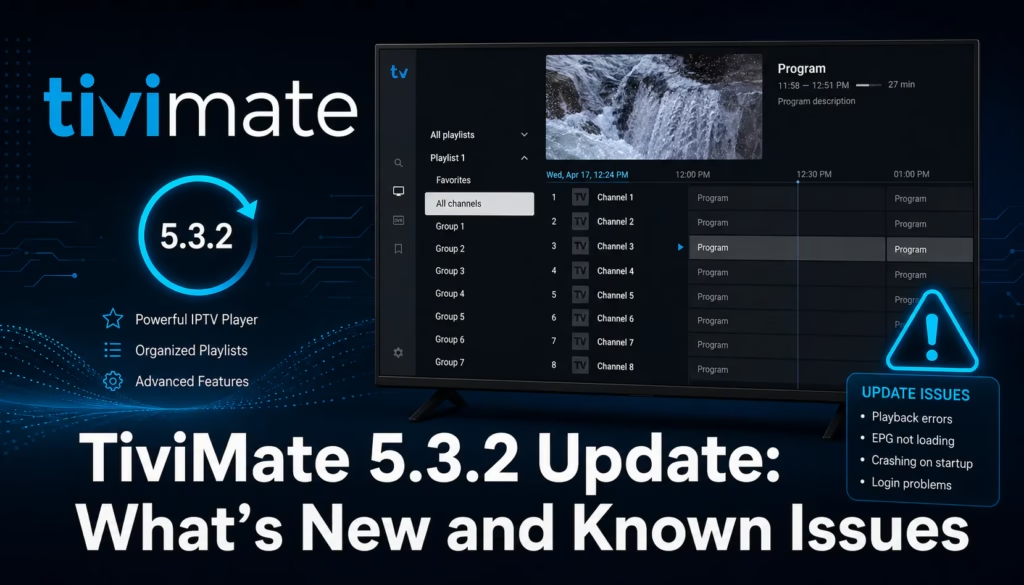
TiviMate has been updated to version 5.3.2 in June 2026. The update brings improvements and enhancements but a number of users have reported issues with certain features and functionality following the update. This post covers what is new in 5.3.2, what problems have been reported, whether to update now, and how to roll back or find the previous version if needed.
Should You Update to TiviMate 5.3.2 Right Now?
If your current version of TiviMate is working well, hold off on updating for now. Multiple users have reported issues following the 5.3.2 update. Wait a week or two for the most critical bugs to be patched before updating. If you are on an older version that is causing problems, updating is worth trying — the new version may fix your specific issue.
What Is New in TiviMate 5.3.2
The full changelog for 5.3.2 has not been publicly detailed by the developer. Based on community reports the update includes general improvements and enhancements to performance and stability. Specific new features introduced in this version have not been confirmed at time of publishing — check the TiviMate app page on Google Play or the developer’s official channels for the full release notes.
Reported Issues After Updating
Community reports following the 5.3.2 update include:
- Problems with certain features and functionality not behaving as expected post-update
- Buffering issues on streams that previously played without problems
- Channel sorting and group ordering changes after updating
- EPG data not loading correctly following the update
These reports are consistent with the pattern seen in previous major TiviMate updates where changes to the underlying playback or EPG handling introduce regressions for some users while improving things for others.
How to Roll Back to the Previous Version
Rolling back TiviMate requires uninstalling the current version and installing an older APK. This will erase your current settings, playlists, and favourites unless you have a backup.
Step 1 — Back up your current settings before doing anything else. In TiviMate go to Settings > Backup > Create Backup and save it to external storage or cloud. This is essential — you cannot restore settings after uninstalling without a backup.
Step 2 — Find the previous version. The easiest route is using Downloader on your Firestick. Code 540646 installs the latest version. For previous versions search APK mirror sites for the specific TiviMate version you need and sideload via Downloader.
Step 3 — Uninstall the current version. Go to Settings > Applications > Manage Installed Applications on your Firestick, find TiviMate, and uninstall it.
Step 4 — Install the previous version via Downloader using the APK you sourced in Step 2.
Step 5 — Restore your backup. Open TiviMate, go to Settings > Backup > Restore Backup and load the backup file you saved in Step 1.
Important: Always create a backup before rolling back. Uninstalling TiviMate without a backup means losing all your playlists, channel favourites, EPG settings, and group configurations. This cannot be recovered without a prior backup.
How to Install TiviMate 5.3.2 Fresh
If you want to install the latest version on a new device or after a factory reset:
- Enable Apps from Unknown Sources in Settings > My Fire TV > Developer Options
- Open Downloader and enter code 540646 to install TiviMate directly
- Alternatively search for TiviMate APK and sideload via Downloader
- Install and open TiviMate
- Add your IPTV subscription credentials – see our full TiviMate setup guide
Common Fixes for TiviMate Issues After Updating
Channels out of order or missing after update
Go to Settings > Appearance > TV Guide > Sorting Channels and set it to “By order in Playlist”. Do the same for Groups. This is the most commonly reported post-update issue and this setting change resolves it in most cases.
EPG not loading after update
Go to Settings > EPG > Update EPG and trigger a manual refresh. If the EPG URL has changed or the update reset the EPG source, re-enter your provider’s XMLTV URL in the EPG settings.
Buffering on streams that previously worked
Go to Settings > Player > Hardware Accelerated Decoding and toggle it off, then restart the app. Some updates change the default playback settings in ways that cause buffering on specific stream types. Switching between hardware and software decoding resolves buffering issues in many cases.
App crashing or Illegal State Exception errors
Clear the TiviMate app cache — go to Settings > Applications > Manage Installed Applications > TiviMate > Clear Cache. If this does not resolve it, the rollback process above is the most reliable fix.
Alternatives If TiviMate Issues Are Persistent
If the update issues are affecting your daily viewing and the fixes above do not resolve them, XCIPTV is the strongest free alternative while waiting for TiviMate to patch the bugs. It includes favourites, DVR, and multi-screen at no cost. See our XCIPTV review for setup instructions, or our Best IPTV Players 2026 guide for the full comparison.
If you do not yet have an IPTV subscription to use with TiviMate or any other player, see our free trials page for providers offering a no-card trial.
Last updated June 2026. TiviMate version 5.3.2. Reported issues based on community reports at time of publishing — the developer may release a patch addressing these. Check the TiviMate app page for the latest version and release notes.