
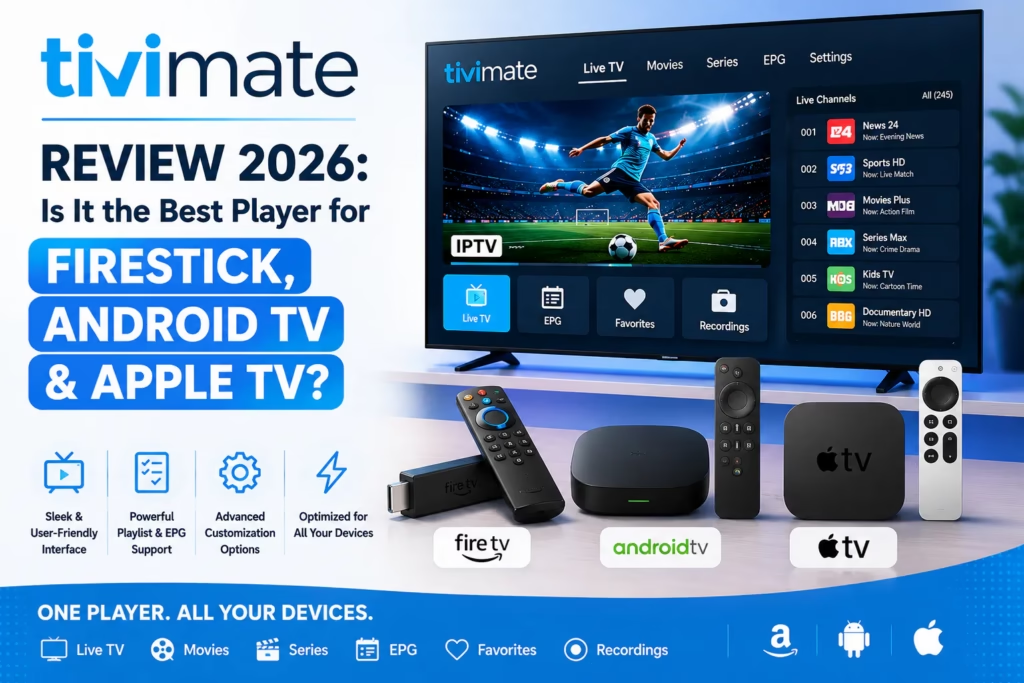
TiviMate is the IPTV player app that most experienced subscribers end up on eventually. It does not provide channels – you need an active IPTV subscription with credentials for that – but as a player interface it is in a different class from the free alternatives. This review covers what it actually does, what the free versus premium difference means in practice, how to get it on Firestick, and whether it is worth the cost.
Table of Contents
- What TiviMate Is and Is Not
- Key Features
- Free vs Premium
- How to Install TiviMate on Firestick
- Setting Up Your IPTV Subscription
- TiviMate vs IPTV Smarters Pro vs Other Players
- Verdict
- FAQ
Important: TiviMate is a player app only. It does not provide TV channels, a subscription, or any content. You need an active IPTV subscription with M3U or Xtream Codes credentials before TiviMate is useful. If you do not have one yet, see our free trials page or take the recommendation quiz.
What TiviMate Is and Is Not
TiviMate is a player interface – it takes the channel list and content from your IPTV subscription and presents it in a well-designed, TV-optimised layout. Think of it as the remote control and guide for your IPTV content. The subscription you pay your IPTV provider for is the content. TiviMate is the software that makes that content easy to navigate and watch.
It runs on Android TV, Fire TV (Firestick), Android TV boxes, and Apple TV. It does not run on iPhone, iPad, standard Android phones or tablets, Windows, or Mac. If you need a player for those platforms, see our IPTV apps guide for alternatives.
Key Features
EPG Guide
TiviMate’s electronic programme guide is widely considered the best EPG implementation of any IPTV player. The grid layout shows current and upcoming programmes across channels simultaneously, with a clear now marker and fast navigation. Channel switching from within the guide is instant. The EPG is one of the primary reasons experienced users choose TiviMate over free alternatives – the guide quality alone makes day-to-day channel browsing significantly more convenient.
Multiple Playlist Support
TiviMate supports multiple playlists simultaneously. If you have a primary IPTV subscription and a backup service, both can be added to TiviMate and switched between from the settings menu without logging out and back in. This is a meaningful practical advantage over players that only support one active playlist.
Channel Organisation
Channels can be sorted, filtered, grouped into custom categories, and added to favourites. For large channel libraries (20,000+) this is essential – without organisation, finding your regular channels in a list that long is impractical. TiviMate’s sorting and grouping tools are significantly more flexible than IPTV Smarters Pro’s.
Catch-Up and VOD
TiviMate supports catch-up TV and VOD playback where the IPTV provider supplies the relevant data. The player does not add catch-up capability – if your provider does not include it in their subscription, TiviMate cannot provide it. For providers that do include catch-up (NexOTT, Nomad IPTV, Bunnystream), TiviMate displays it cleanly within the channel guide.
Recording
Premium users can record live TV to local storage – a USB drive or external hard drive connected to the Firestick or Android TV box. This is a feature very few IPTV player apps offer. Scheduling recordings from the EPG guide is supported.
Parental Controls
Individual channels or entire groups can be PIN-protected. Useful for households where children use the same device.
Subtitle Support
Internal and external subtitles are supported. Language selection is available where subtitle tracks are provided by the content source.
Free vs Premium
| Feature | Free | Premium (~$5/year) |
|---|---|---|
| Live TV playback | Yes | Yes |
| EPG guide | Limited | Full — extended horizon |
| Number of playlists | 1 playlist | Unlimited |
| Favourites | Yes | Yes |
| Recording | No | Yes |
| Multi-user profiles | No | Yes |
| Parental controls | No | Yes |
| Catch-up TV | Yes (where provider supports) | Yes |
| VOD playback | Yes | Yes |
| Cost | Free | ~$5/year via TiviMate Companion app |
The free version is functional for basic single-playlist use. The limitations that push most regular users toward premium are the single playlist restriction and the limited EPG horizon. At around $5/year premium is one of the cheapest software subscriptions available and most subscribers find it worth paying after the first month of regular use.
Premium is purchased through a separate app called TiviMate Companion available in the Google Play Store or Amazon App Store. You create an account in TiviMate Companion, purchase the subscription, and TiviMate unlocks premium features automatically when both apps are installed on the same device.
How to Install TiviMate on Firestick
TiviMate is not available directly in the Amazon App Store. You need to sideload it using the Downloader app. Before starting, make sure you have enabled Apps from Unknown Sources in your Firestick settings — see our Firestick setup guide for how to do this.
- Open the Downloader app on your Firestick
- Enter the URL troypoint.com/tivimate or use the Downloader code 540646
- Click Go — this opens the TiviMate download page
- Download and install the APK
- After installation, search for TiviMate Companion in the Amazon App Store and install it
- Open TiviMate Companion and create an account to purchase premium if required
- Open TiviMate — premium features will be active if Companion is installed and logged in
Setting Up Your IPTV Subscription in TiviMate
- Open TiviMate and tap Add Playlist
- Select Xtream Codes if your provider gave you a username and password, or M3U Playlist if you have an M3U URL
- For Xtream Codes: enter the Server URL, Username, and Password exactly as provided in your welcome email
- For M3U: paste the full URL from your provider email
- Tap Next and wait for the channel list to load — this can take 1-3 minutes for large libraries
- Name the playlist (e.g. your provider name) and tap Finish
- Go to Settings > EPG > Update EPG to populate the programme guide
TiviMate vs IPTV Smarters Pro vs Other Players
| TiviMate | IPTV Smarters Pro | GSE Smart IPTV | OTT Navigator | |
|---|---|---|---|---|
| Platform | Android TV, Firestick, Android boxes | Android, iPhone, iPad, Windows, Mac, Firestick | Android, iPhone, iPad, Apple TV | Android TV, Firestick |
| Cost | Free / ~$5/year premium | Free | Free / one-time purchase | Free |
| EPG quality | Best in class | Basic | Good | Good |
| Interface | TV-optimised, polished | Functional | Clean | Customisable |
| Multiple playlists | Yes (premium) | Yes (free) | Yes | Yes |
| Recording | Yes (premium) | No | No | No |
| Apple TV / iPhone support | No | Yes | Yes | No |
| Best for | Regular TV viewing on Firestick/Android TV | Multi-platform use, iPhone/iPad users | iPhone/iPad/Apple TV users, simple setup | Android TV, wants free with good features |
TiviMate is the right choice if your primary viewing device is a Firestick or Android TV box and you want the best possible interface. If you also want to watch on an iPhone or iPad, IPTV Smarters Pro or GSE Smart IPTV are better fits — TiviMate supports Apple TV but not iPhone or iPad directly. If you want a capable free option for Android TV without paying even $5/year, OTT Navigator is the strongest alternative.
Verdict
TiviMate earns its reputation. The EPG guide alone is worth the switch from free alternatives for anyone who watches live TV regularly — navigating a 20,000+ channel library with a proper grid guide versus a basic list is a meaningfully better experience. The $5/year premium cost is low enough that it should not factor heavily into the decision once you have confirmed TiviMate works well with your subscription.
The platform limitation is the only genuine constraint. If you watch across a mix of Android TV and iPhone or iPad, TiviMate covers the TV and Apple TV but you need a separate app for the phone or tablet. For Firestick and Android TV box users with no iOS requirement, it is the clearest recommendation in the player category.
Firestick and Android TV box users who want the best IPTV viewing experience. The EPG quality and channel organisation tools are unmatched in the free player category. Premium at $5/year is worth it for regular viewers.
iPhone and iPad users — TiviMate does not support iOS directly, only Apple TV. Windows and Mac users — use IPTV Player Zero or IPTV Smarters Pro instead. Anyone who does not yet have an IPTV subscription — get a subscription first.
FAQ
Is TiviMate free?
Yes — there is a fully functional free version. Premium features including recording, multiple playlists beyond one, parental controls, and multi-user profiles require the TiviMate Companion subscription at around $5/year.
Does TiviMate include channels?
No. TiviMate is a player app only. You need an active IPTV subscription with M3U or Xtream Codes credentials to use it. See our reviewed provider list for options.
Is TiviMate available on the Amazon App Store?
Not directly in most regions. You need to sideload it using the Downloader app with code 540646 or URL troypoint.com/tivimate. TiviMate Companion (the premium unlock app) is available in the Amazon App Store.
Can I use TiviMate with multiple IPTV providers?
Yes — TiviMate Premium supports unlimited playlists. Each provider is added as a separate playlist and you switch between them from the settings menu. The free version is limited to one playlist.
Does TiviMate work on standard Android phones?
TiviMate is designed for Android TV and Fire TV interfaces controlled by a remote. It technically installs on standard Android phones but the interface is not optimised for touchscreen use. IPTV Smarters Pro or GSE Smart IPTV are better choices for phone and tablet use.
TiviMate vs IPTV Smarters Pro — which is better?
TiviMate is better for Firestick and Android TV box use – the interface, EPG, and channel management are superior. IPTV Smarters Pro is better for multi-platform use including iOS and is completely free. If your primary device is a Firestick, TiviMate wins clearly. If you need iPhone or iPad support, IPTV Smarters Pro is the practical choice. TiviMate does support Apple TV.
Compare All IPTV Apps Firestick Setup Guide
Last updated May 2026. TiviMate version and pricing accurate at time of review. TiviMate Companion premium price subject to change — check current pricing in the app.