
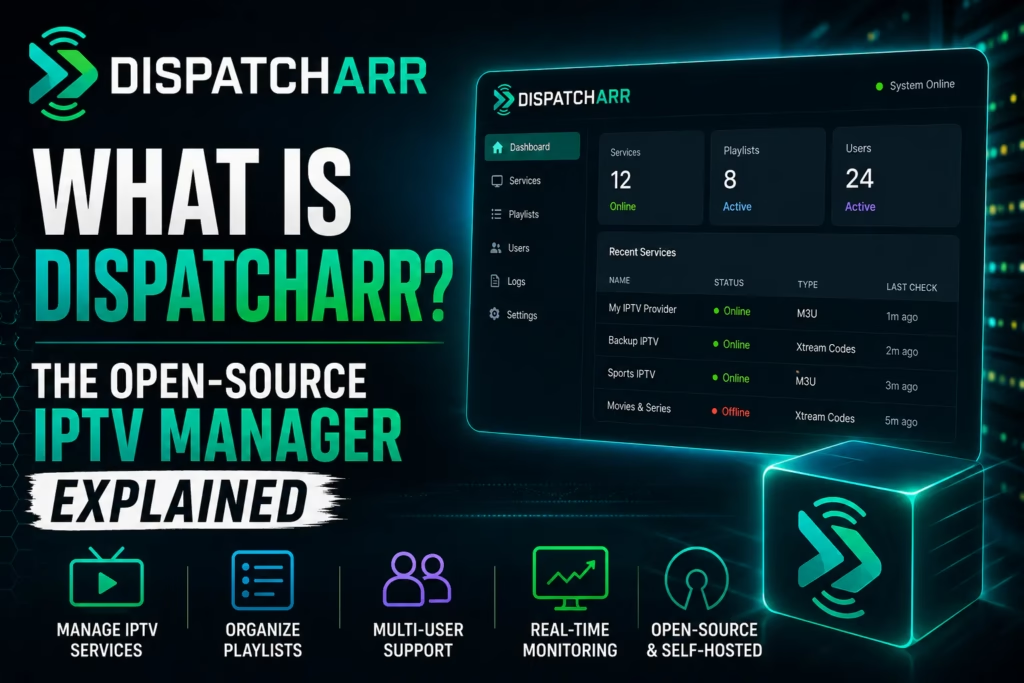
Dispatcharr has been generating significant discussion in IPTV and home server communities since early 2026. If you have seen the name mentioned and are not sure what it actually is or whether it is relevant to your setup, this post explains it plainly.
What Is Dispatcharr?
Dispatcharr is an open-source IPTV stream manager – think of it as the *arr family’s IPTV cousin. Where Sonarr manages TV show downloads and Radarr manages films, Dispatcharr manages IPTV streams. It sits between your IPTV subscription and your media server, acting as a proxy and playlist manager that gives you significantly more control over how streams are organised, delivered, and monitored.
It sits between your IPTV sources and your media server, providing stream routing with automatic failover, EPG guide data management, HDHomeRun emulation so Plex, Jellyfin, and Emby discover it as a live TV tuner, and VOD management.
It is free, open-source, and currently in active beta development. It is not a player app like TiviMate or IPTV Smarters Pro. It is a server-side management layer that runs on a home server or NAS device and feeds streams to whatever client apps or media servers you use.
What Can You Do With It?
Combine multiple IPTV sources into one interface. If you have a primary IPTV subscription and a backup service, Dispatcharr can merge both into a single channel list. Set the same channel from both providers as sources for a single virtual channel – if the primary stream fails, Dispatcharr automatically switches to the backup without any interruption to the viewer.
Integrate with Plex, Jellyfin, and Emby as a live TV source. Dispatcharr emulates an HDHomeRun tuner device. Plex, Jellyfin, and Emby all natively support HDHomeRun tuners for live TV and DVR. By presenting itself as a tuner, Dispatcharr gives these media servers access to your IPTV channels complete with EPG guide data. You can then record live TV using Plex or Jellyfin’s own DVR system.
Automatic EPG matching. Dispatcharr automatically matches programme guide data to channels without manual configuration. Channel logos, programme descriptions, and schedules populate automatically.
Stream proxy and bandwidth optimisation. When multiple household members watch the same channel simultaneously, Dispatcharr maintains a single upstream connection to the provider and distributes it locally. This reduces the number of simultaneous connections counted against your subscription limit.
VPN routing for all streams. Run Dispatcharr through a VPN container and every stream routes through the VPN automatically. No need to configure VPN on each individual device.
Real-time monitoring. A live dashboard shows active streams, bandwidth usage, client connections, and buffering events.
Who Is It For?
Dispatcharr is for technically confident users who already run a home server or NAS. Setting it up requires Docker knowledge, some command line comfort, and familiarity with concepts like containers and port forwarding. This is not a Firestick app you install in two minutes.
The typical Dispatcharr user is someone who already runs Plex or Jellyfin for their film and TV library and wants to add live IPTV channels to the same interface with DVR recording capability. It is a powerful tool for that specific use case.
If you watch IPTV on a Firestick or Smart TV using TiviMate or IPTV Smarters Pro and have no interest in running home server software, Dispatcharr is not relevant to your setup. Stick with a dedicated player app.
How Does It Differ from a Standard IPTV Player?
| Standard IPTV Player (TiviMate etc.) | Dispatcharr | |
|---|---|---|
| What it does | Plays streams from your IPTV subscription on a device | Manages, proxies, and routes streams between sources and clients |
| Runs on | Firestick, Android TV, Smart TV, phone | Home server, NAS, or VPS via Docker |
| Technical level | Beginner – install and enter credentials | Advanced – Docker, networking knowledge required |
| Plex / Jellyfin integration | No | Yes – appears as HDHomeRun tuner |
| DVR recording | TiviMate only (local) | Via Plex or Jellyfin DVR |
| Automatic failover | No | Yes – switches streams automatically |
| Multiple provider merging | No | Yes |
| Cost | Free to ~$12/year | Free and open source |
Current Status
Dispatcharr is currently in active beta development with regular updates. It is stable enough for daily use but being beta software means occasional breaking changes between versions. The development community is active on GitHub and Discord. Recent releases have focused on performance improvements for large deployments, security fixes, and UI enhancements.
It is free to use under a non-commercial licence. The project accepts donations through Open Collective for those who want to support development.
Where to Get It
Dispatcharr is available on GitHub at github.com/Dispatcharr/Dispatcharr. Full documentation including Docker installation instructions is at the official docs site. Installation requires Docker and is covered step by step in the official documentation – do not attempt to install it without reading the docs first.
Is It Worth Using?
For the right user – someone running Plex or Jellyfin who wants live IPTV integrated into the same interface with automatic failover and EPG – Dispatcharr is genuinely impressive for a free open-source project. The automatic failover between providers alone is a feature no commercial IPTV player offers.
For the majority of IPTV subscribers who want a straightforward streaming experience on a Firestick or Smart TV, it is unnecessary complexity. A good IPTV subscription with TiviMate or IPTV Smarters Pro covers everything most viewers need without requiring a home server.
If you are not sure which category you fall into, start with a standard setup first. See our IPTV setup wizard for a guided recommendation based on your device and viewing habits, or our Firestick setup guide for the most common starting point.
Last updated May 2026. Dispatcharr is in active beta — features and installation steps may change with new releases. Check the official GitHub repository for the latest version and documentation.