
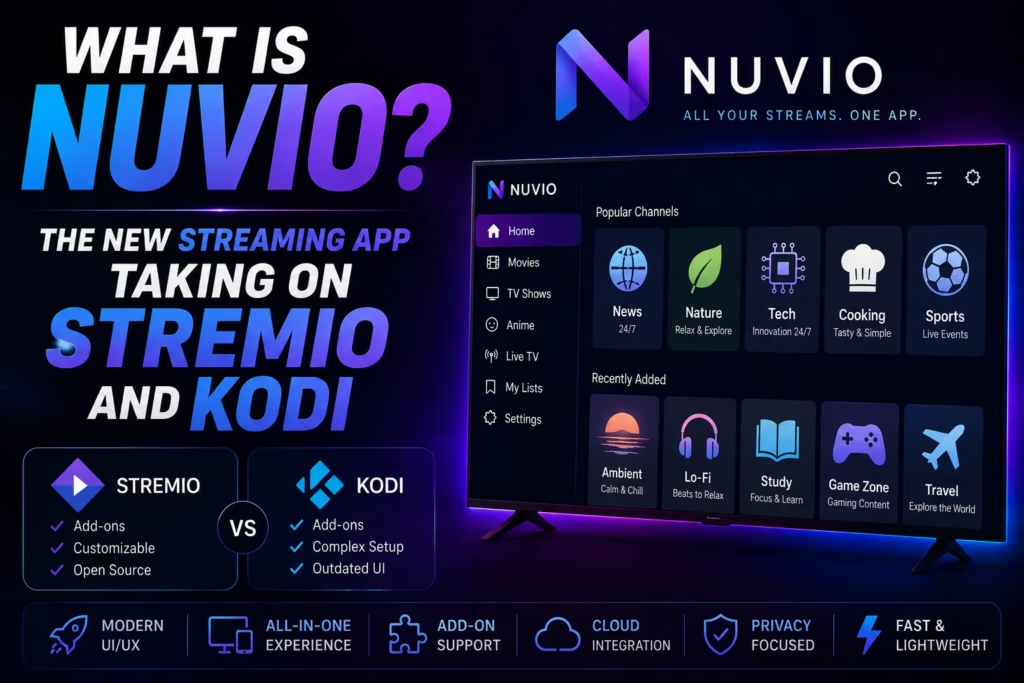
A new streaming app called Nuvio has been gaining significant traction in cord-cutting communities since early 2026. It is currently in beta but already working well enough that experienced streamers are switching to it or running it alongside Stremio. This post covers what Nuvio actually is, how it differs from Stremio and Kodi, and how to get it on your device.
Important: Nuvio is a player app only – it does not provide channels, content, or subscriptions. It requires addons or plugins to be useful, and the quality of what you can watch depends entirely on which addons you configure. The app itself is free.
Table of Contents
- What Is Nuvio?
- How It Differs from Stremio
- Key Features
- How to Install Nuvio on Firestick
- Using Nuvio with an IPTV Subscription
- Is It Worth Trying?
What Is Nuvio?
Nuvio describes itself as a modern content hub. It is a media centre application – similar in concept to Stremio and Kodi – that aggregates content from user-installed addons and plugins rather than hosting any content itself. Install the app, configure your sources, and use Nuvio as the interface for browsing and playing that content.
What makes Nuvio notable is its dual-source system. It supports both Stremio-style addon manifest URLs – meaning thousands of existing Stremio addons work within Nuvio without any modification – and its own native Plugin system which provides a second way to find content. This gives it more flexibility than Stremio while being easier to set up than Kodi.
It is available for Android TV, Fire TV (Firestick), Android phones and tablets, iOS (via TestFlight beta), and through a web browser. It is currently in beta – features and performance are still developing, but early testing reports have been consistently positive.
How It Differs from Stremio
Stremio remains the simpler option for a quick setup. Its main advantage is maturity – it has been around longer, has a larger established addon ecosystem, and is a stable release rather than a beta. For most new cord-cutters Stremio is still the starting recommendation.
Nuvio’s advantages over Stremio are:
- User profiles – Nuvio supports multiple user profiles with separate addon configurations, watch progress, and preferences. Stremio’s profile system is more limited.
- Cross-device sync – all settings, profiles, and watch progress sync across devices automatically via Nuvio’s cloud account. Set up on one device and it is ready on all others.
- Native plugin system – alongside Stremio addon compatibility, Nuvio has its own plugin format which gives addon developers more flexibility in how they build for the platform.
- Mobile app management – the Nuvio mobile app lets you manage addons, profiles, and settings on your phone and push changes to your TV without typing anything on the TV remote. This is a significant practical convenience.
- More customisation – interface layouts, colour themes, playback settings including skip intro, and content catalogue configuration are all adjustable.
The disadvantage versus Stremio is that it is still beta software. Some features are not fully stable and the addon ecosystem, while growing, is smaller than Stremio’s mature catalogue.
Key Features
Stremio addon compatibility – existing Stremio addons including Torrentio and Comet work in Nuvio via manifest URL installation. If you already have a Stremio setup you are familiar with, those same addons can be replicated in Nuvio.
Native plugin system – Nuvio’s own plugin format with access to 500+ plugins and sources from community repositories. Browse the plugin library within the app or install via URL.
Debrid service support – TorBox, Real-Debrid, AllDebrid, and Premiumize all integrate with Nuvio via addon configuration. Add your debrid API key when configuring Torrentio or similar addons for cached, high-quality streams.
User profiles with sync – create separate profiles for different household members, each with their own addons and watch history, synced automatically across all devices.
Account dashboard – manage profiles, addons, plugins, and watch progress from any browser at nuvio’s website without needing to be on the device.
IPTV support – Nuvio can be used as an IPTV player in some configurations, primarily as a portal-based IPTV app. See the IPTV section below for how this works with a standard subscription.
How to Install Nuvio on Firestick
Nuvio is not available in the Amazon App Store and must be sideloaded using the Downloader app. Make sure Apps from Unknown Sources is enabled in your Firestick settings before starting – go to Settings > My Fire TV > Developer Options and turn it on.
- Open the Downloader app on your Firestick
- Enter code 2495955 in the URL field and click Go – this loads the official Nuvio TV APK download
- Alternatively enter code 250931 to open the TROYPOINT Toolbox, scroll to find Nuvio, and download from there
- Download and install the APK
- Open Nuvio and create a free account – this is required for cross-device sync and the account dashboard
- Install the TMDB addon first from the app settings – this populates movie and show metadata and prevents blank screens when browsing
- Add your preferred addons via manifest URL or browse the plugin library
Mobile setup tip: Download the Nuvio mobile app on your phone after installing on the Firestick. You can then manage all addons and settings from your phone and push changes to the TV instantly – much faster than navigating the TV interface to configure addons.
Using Nuvio with an IPTV Subscription
Nuvio can be used as a portal-based IPTV player with a standard IPTV subscription. Enter your provider’s login credentials in the relevant Nuvio configuration section to load your channel list. This varies slightly depending on which version of Nuvio you are running – check the app’s settings for the IPTV or M3U playlist option.
For the most reliable IPTV experience on Firestick, a dedicated player like TiviMate or IPTV Smarters Pro remains the better option – both are purpose-built for IPTV with full EPG support and channel management. Nuvio is strongest as an on-demand content hub rather than a live TV player. Many subscribers use Nuvio for movies and series alongside a dedicated IPTV player for live channels.
If you do not yet have an IPTV subscription, see our free trials page for providers offering a no-card trial.
Is It Worth Trying?
Yes – with the caveat that it is still beta software. Nuvio is genuinely impressive for a beta release and the cross-device sync, mobile management, and Stremio addon compatibility make it meaningfully better than Stremio for multi-device households. The dual addon and plugin system gives it more flexibility than either Stremio or Kodi.
The practical recommendation is to install it alongside Stremio rather than replacing it immediately. Use both for a few weeks and see which you prefer. Since both are free the only cost is the time to set up.
For experienced Kodi users wondering whether to switch: Nuvio is easier to set up and maintain than Kodi but currently less powerful for IPTV integration. As a Stremio alternative for on-demand content it is already competitive.
Firestick Setup Guide Stremio vs Kodi
Last updated May 2026. Nuvio is currently in beta – features and availability may change. Downloader codes verified May 2026.