
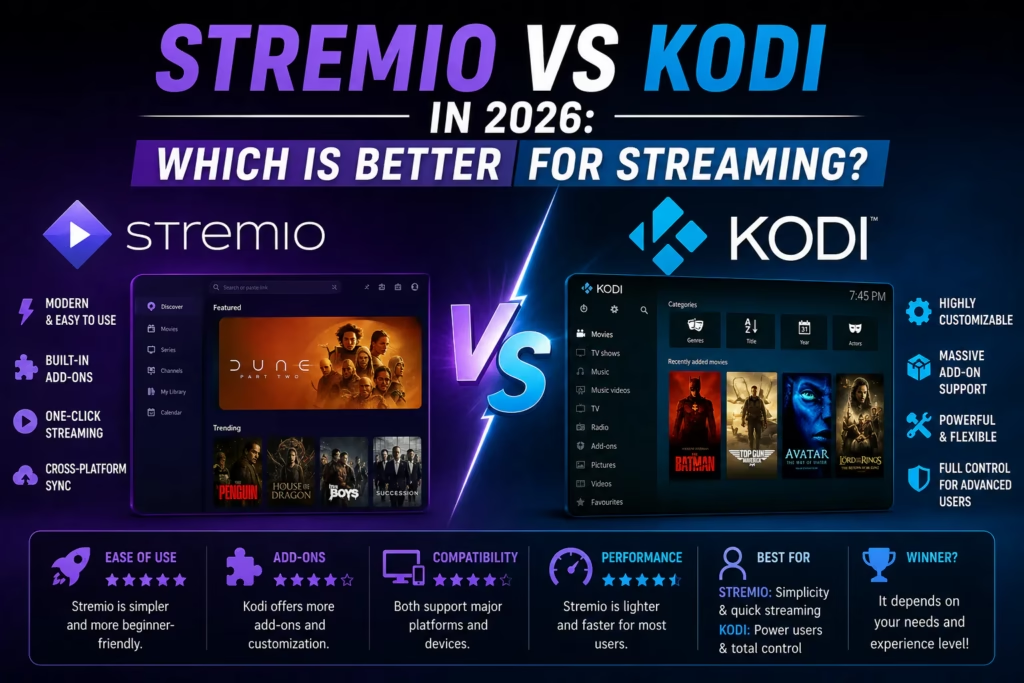
Stremio and Kodi are both free, run on Firestick and Android TV, and are used by millions of cord-cutters worldwide. Beyond those similarities they work very differently. Kodi has been the dominant platform for over a decade. Stremio has been growing rapidly and is now the default recommendation for most new cord-cutters. This post covers the genuine differences so you can pick the right one for your setup.
The Core Difference
Kodi is a media centre application. It manages local files, streams content through add-ons, and can be customised extensively through skins and plugins. It has been around since 2002 and has a large but increasingly aging ecosystem of add-ons and builds.
Stremio is a content aggregation platform. It connects to add-ons that find streams for movies and TV shows and presents them in a clean, Netflix-style interface. It is built around the idea of making cord-cutting as simple as possible – install the app, add a couple of add-ons, and start watching.
Setup Time
This is where the difference is most stark. Stremio takes 3-5 minutes to set up. Install the app, create a free account, add your preferred add-ons through the Stremio add-on catalogue, done. Settings sync automatically across all your devices so you only configure it once.
Kodi takes 15-30 minutes for a basic setup and significantly longer if you want a custom build or to configure multiple add-on sources. Add-ons are installed through repositories, repositories occasionally break, and updates can cause previously working add-ons to stop functioning. The learning curve is steeper and the ongoing maintenance burden is higher.
Interface
Stremio’s interface is clean and modern – similar in feel to Netflix or Prime Video. It works well with a TV remote and is intuitive for anyone familiar with mainstream streaming apps. The default Kodi interface looks dated by comparison. Kodi skins can improve the appearance significantly but require additional setup.
Debrid Service Integration
Both platforms work with debrid services like TorBox, AllDebrid, and Real-Debrid to improve stream quality and availability. Stremio’s integration with debrid services through add-ons like Torrentio is considered cleaner and faster than Kodi’s equivalent setup. The cached status of content is displayed accurately in Stremio, reducing the number of dead links you encounter.
IPTV Support
Kodi has better native IPTV support through the IPTV Simple Client add-on, which lets you load an M3U playlist from your IPTV subscription and watch live channels directly within Kodi. Stremio has limited native IPTV support and most subscribers who want IPTV alongside Stremio use a separate player app (TiviMate, IPTV Smarters Pro) for live TV and Stremio for on-demand content.
Device Support
Both run on Firestick, Android TV boxes, Windows, Mac, and Linux. Stremio also runs on iOS. Kodi does not have an official iOS release. For subscribers who watch on iPhone or iPad, Stremio covers that use case where Kodi does not.
Which Should You Use?
Choose Stremio if: You want a simple, fast setup with a modern interface. You use a debrid service for on-demand content. You watch on multiple device types including iOS. You do not want to maintain add-ons and repositories.
Choose Kodi if: You want to integrate IPTV and on-demand content in a single app. You have existing Kodi builds or add-on knowledge. You want maximum customisation. You primarily use Android or Fire TV devices.
Use both if: You are an experienced streamer who wants Stremio for daily on-demand use and Kodi as a backup with IPTV Simple Client for live channels. This is the setup many experienced cord-cutters arrive at.
See our free trials page for IPTV providers that work with both platforms, or our TiviMate review for the best dedicated IPTV player for Firestick and Android TV.
Last updated May 2026.