
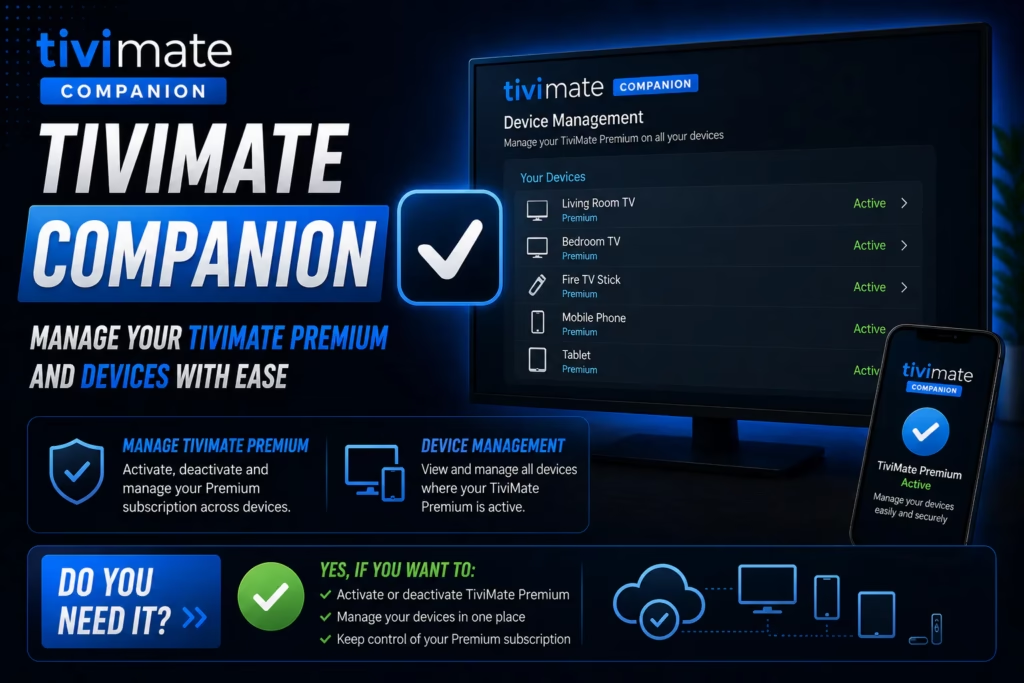
If you have been researching TiviMate you have almost certainly seen TiviMate Companion mentioned alongside it and wondered why there are two separate apps. The confusion is understandable — TiviMate Companion is not an IPTV player and does not do anything on its own. This post explains exactly what it is, why it exists, and whether you need it.
What Is TiviMate Companion?
TiviMate Companion is a small Android app developed by Armobsoft FZE — the same developer as TiviMate. Its sole purpose is to handle TiviMate Premium subscription payment and license activation on devices that do not have access to the Google Play Store. It is not an IPTV player. You cannot watch anything through TiviMate Companion. It manages your TiviMate Premium licence and the devices that licence is activated on.
The current version is 1.4.2, updated May 2026, and it is available free on the Google Play Store.
Why Does TiviMate Need a Separate App to Unlock Premium?
TiviMate runs on Firestick and Android TV boxes — devices that often do not have the Google Play Store installed. Amazon Firestick in particular runs a modified version of Android with the Amazon App Store rather than Google Play. TiviMate itself is sideloaded onto Firestick via Downloader rather than downloaded from the Play Store.
Because TiviMate on Firestick has no way to process in-app purchases through the Play Store, the developer created a separate route. You install TiviMate Companion on an Android phone or tablet that does have Google Play, purchase the Premium subscription through Companion, and then sign into the same account on your Firestick. The Premium features unlock on the Firestick even though the payment was processed on the phone.
In short: Companion is the payment and activation mechanism for devices that cannot use Play Store billing directly.
What Does TiviMate Premium Actually Unlock?
The free version of TiviMate works for basic IPTV playback but Premium adds features that make a significant practical difference for daily use:
- Recording — record live TV directly to your device storage. The only reviewed IPTV player with this feature
- Multiple playlists — add more than one IPTV subscription and switch between them. Essential if you run a primary and backup service
- Multiple EPG sources — combine programme guide data from more than one source
- Archive and catch-up — access content from previous days where your provider supports it
- Auto-frame rate switching — TiviMate automatically switches the TV’s refresh rate to match the stream, reducing judder on content filmed at different frame rates
- Up to 5 device activations — use one Premium licence across up to five devices
See our TiviMate free vs premium comparison for a full breakdown of what changes with an upgrade.
Do You Need TiviMate Companion?
It depends on your device. Here is the simple answer:
You need TiviMate Companion if: You use TiviMate on Firestick, Fire TV, or an Android TV box without Google Play, and you want to upgrade to Premium. Companion is how you pay for and activate Premium on those devices.
You do not need it if: You use TiviMate on an Android TV device with the Google Play Store installed. On those devices you can purchase Premium directly through the Play Store within the TiviMate app itself without installing Companion separately.
How to Use TiviMate Companion to Unlock Premium
- On your Android phone or tablet open the Google Play Store
- Search for TiviMate Companion and install it — it is free
- Open Companion and tap Sign Up to create a TiviMate account using your email address
- Select a subscription plan — annual (~$5-12/year depending on region) or lifetime. A 7-day free trial is available
- Complete payment through Google Play billing on your phone
- On your Firestick or Android TV box open TiviMate
- Go to Settings > Premium and tap Sign In
- Enter the same email and password you used when creating your account in Companion
- TiviMate Premium features unlock immediately on the Firestick
Device limit: One Premium licence covers up to 5 devices. You can see and manage which devices are activated from within the TiviMate Companion app on your phone. To activate a new device or remove an old one go to the Devices section in Companion.
Managing Multiple Devices with Companion
Once Premium is active, TiviMate Companion becomes a device management dashboard. From the Companion app on your phone you can:
- See all devices currently activated on your licence
- Remove a device that is no longer in use to free up a slot
- Add new devices up to the 5-device limit
- Check your subscription expiry date and renew
This is particularly useful when upgrading to a new Firestick or TV box — deactivate the old device from Companion and activate the new one without needing to contact support.
TiviMate Companion Pricing
TiviMate Companion itself is free. The cost is for the TiviMate Premium subscription activated through it. Pricing varies by region but typically falls between $5-12 per year for an annual plan, with a lifetime option available. A 7-day free trial lets you test all Premium features before paying. Check the current price in the Google Play Store as this varies by country.
FAQ
Is TiviMate Companion an IPTV player?
No. TiviMate Companion is not an IPTV player and cannot play any content. It is a subscription management tool that unlocks TiviMate Premium features on devices without Google Play. The actual IPTV player is the TiviMate app installed on your Firestick or Android TV box.
Do I need to keep TiviMate Companion installed on my phone?
Once Premium is activated on your Firestick you do not need Companion running at all times. TiviMate on the Firestick remains activated as long as your subscription is valid. Companion is only needed to initially activate Premium, manage devices, or renew your subscription.
Can I use TiviMate Companion on iPhone?
TiviMate Companion is an Android app available on Google Play. It is not available on iOS. iPhone users cannot use Companion to purchase TiviMate Premium. TiviMate itself does not run on iPhone or iPad — for iOS IPTV players see our iPhone and iPad IPTV guide.
Why is TiviMate Premium so cheap?
TiviMate Premium is priced very competitively — typically $5-12 per year — which reflects the developer’s decision to charge a small ongoing fee rather than a large one-time purchase. Compared to similar apps in other categories this is unusually low pricing for the feature set delivered.
TiviMate says my Premium has expired — what do I do?
Open TiviMate Companion on your Android phone, go to your account, and check your subscription status. If it has expired you can renew directly through Companion using the same Google Play billing. After renewing open TiviMate on your Firestick, go to Settings > Premium > Sign In and sign in again to refresh the activation.
Full TiviMate Review Firestick Setup Guide
Last updated May 2026. TiviMate Companion version 1.4.2. Pricing varies by region.