
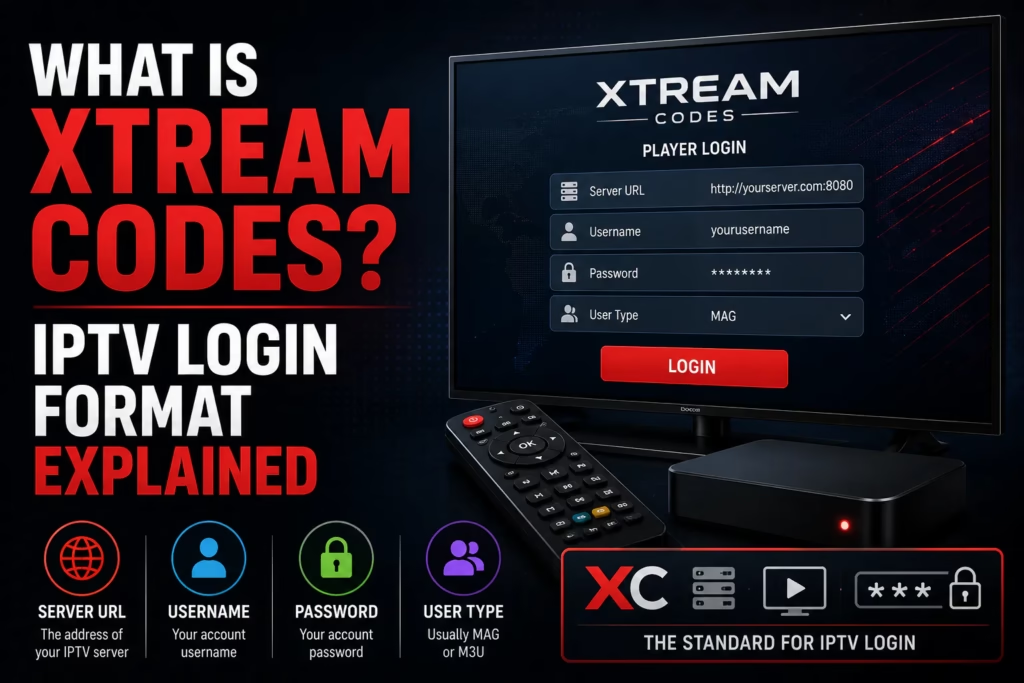
When you subscribe to an IPTV service your provider sends you login credentials. In most cases these come in Xtream Codes format — a server URL, a username, and a password. If your welcome email contains three separate pieces of information that look like a web address, a short username, and a password, those are your Xtream Codes credentials. This post explains what Xtream Codes is, how to use it, and why most providers use it as their primary credential format.
What Is Xtream Codes?
Xtream Codes is a server management platform that became the industry standard for IPTV providers. It handles subscriber authentication, channel delivery, VOD organisation, EPG data, and connection management from a single system. When a provider says they use Xtream Codes it means their backend is built on this platform — and as a subscriber it means your credentials come in the standard Xtream Codes format.
Your Xtream Codes credentials consist of three pieces of information:
- Server URL — the address of your provider’s streaming server, typically formatted as http://server-address.com:port or http://server-address.com
- Username — your unique account identifier assigned by the provider
- Password — your account password
These three pieces together authenticate your subscription and load your channel list in any compatible IPTV player app.
What Your Xtream Codes Credentials Look Like
A typical set of Xtream Codes credentials from a provider welcome email looks like this:
The port number (the number after the colon in the server URL) is typically 8080, 80, or 25461. Enter the server URL exactly as your provider supplies it including the port number.
How to Enter Xtream Codes in Your IPTV Player
Every major IPTV player supports Xtream Codes login. The process is similar across all of them:
- Open your IPTV player app — TiviMate, IPTV Smarters Pro, XCIPTV, or whichever you use
- Navigate to the add playlist or add source section
- Select Xtream Codes API or Xtream Codes Login as the input type
- Enter your Server URL in the server field
- Enter your Username in the username field
- Enter your Password in the password field
- Save and wait for your channel list to load
Copy and paste, do not type. The most common cause of Xtream Codes login failures is a typo. Copy your server URL, username, and password directly from your provider email and paste them into the app rather than typing them manually. A single wrong character will prevent the login from working.
Why Most Providers Use Xtream Codes
Xtream Codes became the dominant IPTV backend platform for several reasons that benefit both providers and subscribers:
Automatic EPG integration. When you log in with Xtream Codes your programme guide data loads automatically from the provider’s EPG system. You do not need to find and enter a separate EPG URL — it is included as part of the login. This is a significant advantage over M3U where EPG requires separate configuration.
Better VOD organisation. Xtream Codes separates your content into Live TV, Movies, and Series categories automatically. This makes browsing on-demand content significantly more organised than M3U which typically presents everything in a single channel list.
Connection management. The provider can monitor and enforce connection limits per account through the Xtream Codes system. When your plan allows 3 simultaneous connections, the server enforces that limit automatically.
Account management. Subscription expiry, renewal, and credential changes are all handled through the Xtream Codes system, making it easier for providers to manage large subscriber bases.
Xtream Codes vs M3U — Which Should You Use?
| Feature | Xtream Codes | M3U URL |
|---|---|---|
| EPG | Automatic — no extra URL needed | Requires separate XMLTV EPG URL |
| VOD organisation | Live, Movies, and Series separated | Everything in one list |
| Security | Higher — no credentials in shareable URL | Lower — credentials embedded in URL |
| Device compatibility | Most major players — not Jellyfin natively | Universal — all players including Jellyfin |
| Best for | Daily use on TiviMate, IPTV Smarters, XCIPTV | Devices without Xtream Codes support |
For most subscribers on Firestick, Android TV, or Smart TV, Xtream Codes is the better format for daily use. Use M3U when your device or player does not support Xtream Codes — Roku Channel Store apps and Jellyfin being the main examples. Most providers supply both formats so you can switch between them as needed.
See our What Is M3U guide for a full explanation of the M3U format.
Common Xtream Codes Problems and Fixes
Login fails with correct credentials — double check every character including the port number in the server URL. Copy and paste directly from your provider email. If still failing contact your provider as your credentials may need resetting.
Channels load but EPG is empty — go to your player’s EPG settings and trigger a manual EPG refresh. Some players need to download EPG data separately after the initial login.
Streams play on one device but not another — you have likely exceeded your connection limit. If your plan allows 3 simultaneous connections and all three are active, a fourth will be refused. Check how many devices are actively connected and close any unused sessions.
Login worked previously but now fails — your subscription may have expired or your provider may have reset credentials after a server migration. Log in to your provider’s customer portal or contact support to verify your account status.
If you do not yet have an IPTV subscription, see our free trials page for providers offering a no-card trial — you will receive Xtream Codes credentials in your welcome email to test with.
Last updated June 2026.