
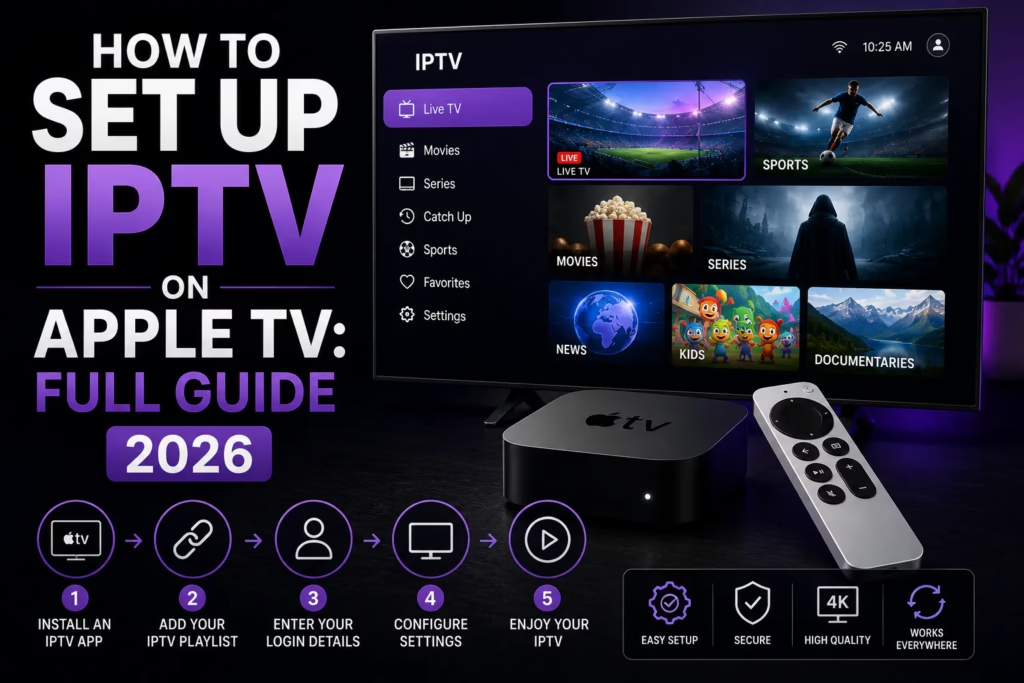
Apple TV supports IPTV through several native App Store apps — no sideloading, no workarounds, and no developer mode required. Unlike Roku which has significant limitations for IPTV, Apple TV has a strong selection of capable IPTV players available directly from the tvOS App Store. This guide covers the best apps for Apple TV, how to set them up, and which is right for your situation.
Before you start: You need an active IPTV subscription with M3U URL or Xtream Codes credentials. If you do not have one yet, see our free trials page for providers offering a no-card trial. You will receive your credentials by email when you sign up.
Table of Contents
- Best IPTV Apps for Apple TV
- Setting Up TiviMate on Apple TV
- Setting Up GSE Smart IPTV on Apple TV
- Setting Up Flex IPTV on Apple TV
- Which App Should You Choose?
- Tips for the Best Apple TV IPTV Experience
- FAQ
Best IPTV Apps for Apple TV
Four IPTV players are worth considering on Apple TV in 2026. All are available directly from the tvOS App Store.
| App | Cost | iCloud Sync | Recording | Best For |
|---|---|---|---|---|
| TiviMate | Free / ~$5-12/yr Premium | No | Yes — Premium | Best EPG, daily live TV viewing |
| GSE Smart IPTV | Free / ~£4.99 Pro | Yes | No | Apple ecosystem, auto EPG matching |
| Flex IPTV | Free / $4.99 per platform | No | Yes — Pro | Recording live TV on Apple TV |
| IPTV Green Pro | Free / paid upgrade | Yes | No | Split-screen multi-channel viewing |
Setting Up TiviMate on Apple TV
TiviMate is the most widely used IPTV player on Firestick and Android TV and is now available on Apple TV. The EPG quality and interface are the best of any reviewed player — if you already use TiviMate on another device the Apple TV experience will be familiar.
Note on activation: TiviMate Premium on Apple TV requires purchasing through the tvOS App Store in-app purchase rather than through TiviMate Companion which is Android only. The Premium features unlock directly within the Apple TV app.
- Open the App Store on your Apple TV
- Search for TiviMate IPTV Player and install it
- Open TiviMate and tap Add Playlist
- Select Xtream Codes API or M3U URL
- Enter your credentials from your provider welcome email
- Wait for the channel list to load — this may take 30-60 seconds for large playlists
- Navigate to Settings > EPG and run an EPG update to populate the programme guide
Remote keyboard tip: Use the Apple TV Remote app on your iPhone to type credentials — it is significantly faster than using the physical Siri Remote for text entry. Open Control Centre on your iPhone and tap the Apple TV Remote icon.
Setting Up GSE Smart IPTV on Apple TV
GSE Smart IPTV is the best choice if you already use it on your iPhone or iPad. iCloud sync means your playlists and settings carry over automatically to Apple TV when signed into the same Apple ID — no re-entering credentials needed.
- Open the App Store on your Apple TV
- Search for GSE Smart IPTV and install it
- If you already use GSE on iPhone or iPad and iCloud is enabled your playlists will appear automatically
- If setting up fresh tap the menu icon and select Remote Playlists
- Tap the + button and select your credential format
- Enter your Xtream Codes or M3U details from your provider email
- Return to the main screen — channels load automatically
See our full GSE Smart IPTV review for more detail on features and limitations.
Setting Up Flex IPTV on Apple TV
Flex IPTV is the right choice if recording live TV is important. It is the only reviewed Apple TV IPTV player that supports recording — stored locally on the Apple TV’s storage.
Note on pricing: Flex IPTV charges separately for iOS and tvOS — $4.99 per platform. If you want it on both iPhone and Apple TV that costs $9.98 total.
- Open the App Store on your Apple TV and search for Flex IPTV
- Install and open the app
- Tap Playlists and then the + button
- Select Remote Playlist for M3U or Xtream Codes API for username/password
- Enter your credentials and save
- Channels load within 30-60 seconds
See our full Flex IPTV review for more detail.
Which App Should You Choose?
Choose TiviMate if you want the best EPG and live TV browsing experience. The programme guide is the most polished of any reviewed Apple TV IPTV player and it is the familiar choice if you already use TiviMate on Firestick or Android TV.
Choose GSE Smart IPTV if you already use it on iPhone or iPad. The iCloud sync means zero setup time on Apple TV — your channels appear automatically. The automatic EPG matching is also a practical time saver.
Choose Flex IPTV if recording live TV matters to you. It is the only option with recording capability on Apple TV.
Choose IPTV Green Pro if you want to watch multiple channels simultaneously. The split-screen feature showing up to four channels at once is unique to this app and particularly useful for sports viewing.
Tips for the Best Apple TV IPTV Experience
Use ethernet if possible. Apple TV 4K has a built-in ethernet port on the Apple TV 4K (3rd generation) via USB-C to ethernet adapter or on the Apple TV HD via a dedicated ethernet model. A wired connection gives more stable streams than Wi-Fi particularly for live sport.
Use your iPhone as a remote keyboard. Typing credentials with the Siri Remote is slow. The Apple TV Remote app in Control Centre on your iPhone works as a full keyboard for faster text entry.
Enable iCloud if using GSE or IPTV Green Pro. Both apps use iCloud to sync settings across Apple devices. Make sure iCloud is enabled on both the Apple TV and your iPhone in Settings > Apple ID > iCloud.
Check your internet speed. 25 Mbps minimum recommended for reliable HD on Apple TV. Use our speed test interpreter to verify your connection is sufficient.
FAQ
What is the best IPTV app for Apple TV?
TiviMate has the best EPG and live TV interface. GSE Smart IPTV is the best choice if you use iPhone or iPad and want iCloud sync. Flex IPTV is best if you need recording. IPTV Green Pro is best for split-screen sports viewing. The right choice depends on your priorities — see the comparison section above.
Does TiviMate work on Apple TV?
Yes — TiviMate is available on the tvOS App Store. Premium activation on Apple TV is handled through in-app purchase rather than the TiviMate Companion app which is Android only. See our full TiviMate review for details.
Can I use IPTV Smarters Pro on Apple TV?
IPTV Smarters Pro has limited Apple TV support. The iOS version is available but the Apple TV experience is less polished than TiviMate, GSE Smart IPTV, or Flex IPTV. For Apple TV specifically one of the four apps in this guide is a better choice.
Do I need to sideload apps on Apple TV for IPTV?
No — unlike Firestick or Roku, all four recommended IPTV players are available directly from the tvOS App Store. No sideloading, developer mode, or workarounds required.
Can I record live TV on Apple TV with IPTV?
Yes — Flex IPTV Pro supports recording on Apple TV, storing recordings to local Apple TV storage. TiviMate Premium also supports recording. These are the only two reviewed options with this capability on Apple TV.
Why is my IPTV buffering on Apple TV?
The most common causes are Wi-Fi instability, insufficient internet speed, or ISP throttling. Try switching to ethernet, check your speed at fast.com, and test with a VPN to rule out throttling. See our buffering guide for a full diagnosis.
Find a Provider Compare All IPTV Apps
Last updated June 2026. App availability and pricing subject to change — verify in the tvOS App Store before purchasing.